
Home Lab
The Best Mini PCs for Building a Cybersecurity Home Lab in 2026
Modern mini PCs deliver enterprise-grade virtualization performance at a fraction of the cost, noise and power of traditional servers. Here are the 7 best mini PCs of 2026 for running Proxmox, Kali Linux, Active Directory, Wazuh and more — plus the exact specs to prioritize.
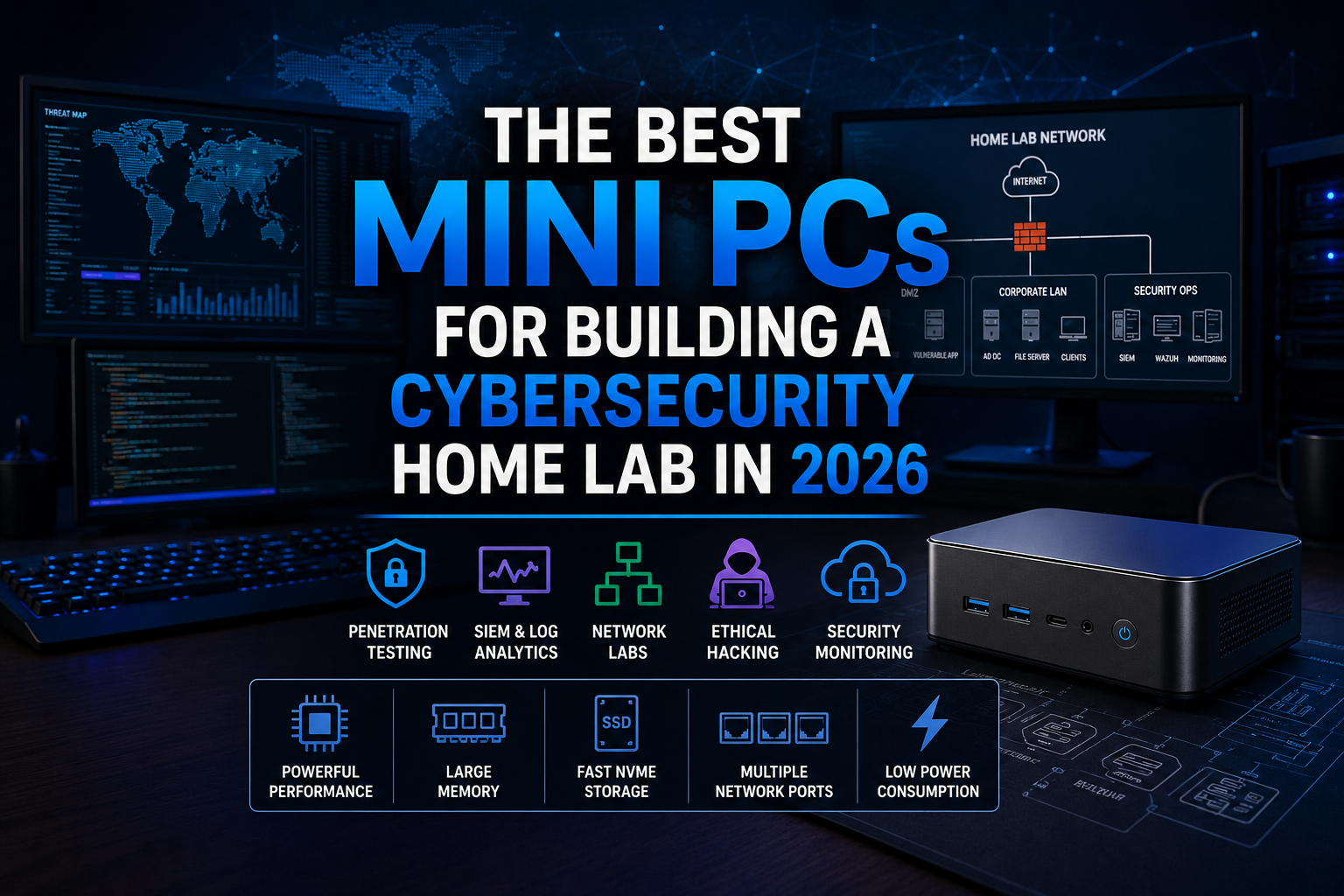
Cybersecurity is one of the fastest-growing industries in the world, and hands-on experience has become more valuable than ever. While certifications, online courses, and training platforms can provide foundational knowledge, nothing accelerates learning like building and managing your own cybersecurity home lab. Whether you are an aspiring ethical hacker, cybersecurity student, IT administrator, penetration tester, SOC analyst, digital forensics investigator, or experienced security professional, a home lab provides a safe environment to develop real-world skills.
One of the biggest misconceptions about building a cybersecurity lab is that you need expensive enterprise servers, rack-mounted equipment, or thousands of dollars in hardware. In reality, modern mini PCs have become powerful enough to run dozens of virtual machines, security monitoring platforms, Active Directory environments, and penetration testing tools while consuming a fraction of the power and space of traditional servers.
At Cybrvault Cybersecurity, we regularly evaluate hardware for virtualization, threat detection, penetration testing, security monitoring, and cybersecurity training environments. In this guide, we will cover the best mini PCs available in 2026 for building a cybersecurity home lab, explain what specifications matter most, discuss how to configure your environment, and provide recommendations for different budgets and experience levels.
Why Every Cybersecurity Professional Should Build a Home Lab
A home lab allows you to practice cybersecurity techniques in a controlled environment without risking production systems or violating laws. It provides an opportunity to simulate real-world attacks, investigate security incidents, deploy defensive technologies, and gain practical experience that employers highly value.
A well-designed cybersecurity lab allows you to learn:
- Ethical hacking
- Penetration testing
- Vulnerability assessments
- Security monitoring
- Threat hunting
- Malware analysis
- Active Directory security
- Cloud security
- Incident response
- Digital forensics
- Firewall administration
- Network segmentation
- Linux administration
- Security automation
- SIEM deployment and management
Many hiring managers view hands-on experience as more valuable than certifications alone. Being able to demonstrate a functioning home lab during an interview can immediately separate you from other candidates.
Why Mini PCs Have Become the Preferred Home Lab Platform
Several years ago, building a home lab often meant purchasing retired enterprise servers that consumed significant electricity, generated excessive heat, and produced constant fan noise. While those systems offered substantial computing power, they were often impractical for home environments.
Modern mini PCs have changed the equation entirely.
Today’s mini PCs offer:
- Powerful multi-core processors
- Support for large amounts of RAM
- Fast NVMe storage
- Multiple networking options
- Compact form factors
- Low power consumption
- Quiet operation
- Excellent virtualization performance
Many cybersecurity professionals now operate entire labs from devices that fit comfortably on a desk, bookshelf, or entertainment center.
What to Look for in a Cybersecurity Mini PC
Before purchasing hardware, it is important to understand which specifications matter most.
Processor
The processor determines how many virtual machines and applications can run simultaneously.
Recommended options include:
- AMD Ryzen 7
- AMD Ryzen 9
- Intel Core i7
- Intel Core i9
- Intel Core Ultra processors
For most users, an 8-core processor provides plenty of performance. Professionals running larger SIEM environments or multiple Windows Server instances may benefit from 12-core or 16-core systems.
RAM
Memory is often the first resource exhausted in cybersecurity labs.
Recommended configurations:
- 16GB minimum
- 32GB recommended
- 64GB ideal
- 96GB or higher for advanced users
A typical Active Directory lab can easily consume 16GB to 24GB of RAM. Adding Security Onion, Wazuh, Splunk, and multiple Linux systems quickly increases memory requirements.
Storage
Virtual machines consume significant storage space.
Recommended storage:
- 1TB minimum
- 2TB preferred
- 4TB for advanced labs
NVMe SSDs dramatically improve performance compared to traditional hard drives.
Networking
Network capabilities are critical for cybersecurity environments.
Look for:
- Gigabit Ethernet
- 2.5 Gigabit Ethernet
- Dual network interfaces
- WiFi 6 or WiFi 6E support
Multiple NICs are particularly useful when experimenting with firewalls, intrusion detection systems, and network segmentation.
Virtualization Support
Ensure your hardware supports:
- Intel VT-x
- Intel VT-d
- AMD-V
- IOMMU
These technologies enable advanced virtualization features and improve performance.
1. Beelink SER8 Ryzen 7 Mini PC
The Beelink SER8 has become one of the most popular mini PCs among cybersecurity professionals, homelab enthusiasts, and virtualization users. It offers an outstanding balance between performance, affordability, and expandability.
Specifications
- AMD Ryzen 7 8845HS
- Up to 64GB DDR5 RAM
- 1TB NVMe SSD
- USB4 connectivity
- WiFi 6
- Bluetooth support
- Dual display capability
Why It Works for Cybersecurity
The Ryzen 7 processor delivers excellent multi-threaded performance, making it ideal for running several virtual machines simultaneously. Many users successfully run Proxmox, Security Onion, Windows Server, and Kali Linux on a single SER8.
Example Lab Deployment
- Proxmox Hypervisor
- Kali Linux VM
- Windows 11 VM
- Windows Server 2025 VM
- Ubuntu Server VM
- Wazuh Manager VM
Pros
- Excellent performance per dollar
- Low power consumption
- Quiet operation
- Easy upgrades
- Strong virtualization capabilities
Buy on Amazon: https://amzn.to/3S90kQO
Manufacturer: https://www.bee-link.com
2. Minisforum UM890 Pro
The Minisforum UM890 Pro is one of the most powerful mini PCs available and is ideal for advanced cybersecurity labs.
Specifications
- AMD Ryzen 9 8945HS
- Up to 96GB DDR5 RAM
- Dual NVMe storage support
- USB4
- Dual 2.5Gb Ethernet ports
Why Cybersecurity Professionals Love It
The additional CPU cores and memory capacity make it an excellent platform for larger labs involving multiple Windows servers, SIEM deployments, and extensive virtualization environments.
Ideal Workloads
- Security Onion
- Splunk Enterprise
- Wazuh
- Active Directory forests
- Malware analysis sandboxes
- Purple Team exercises
Buy on Amazon: https://amzn.to/3SaqrH5
Manufacturer: https://www.minisforum.com
3. Intel NUC 14 Pro
Intel NUC systems remain highly respected among cybersecurity professionals due to their reliability and enterprise-grade design.
Specifications
- Intel Core Ultra processors
- DDR5 memory
- Thunderbolt 4
- Multiple storage configurations
- Excellent Linux support
Advantages
Intel virtualization support is extremely mature, making NUC systems a common choice for VMware ESXi and Proxmox deployments.
Common Home Lab Uses
- VMware environments
- Docker clusters
- SIEM platforms
- Vulnerability scanning systems
- Security monitoring tools
Buy on Amazon: https://amzn.to/4epwWNN
Manufacturer: https://www.intel.com
4. Geekom A8
The Geekom A8 offers impressive specifications and strong performance in a compact chassis.
Specifications
- AMD Ryzen 9 processor
- DDR5 memory
- PCIe Gen4 SSD
- WiFi 6E
- Bluetooth support
Cybersecurity Applications
- Vulnerability scanning
- Threat hunting
- Security monitoring
- Penetration testing labs
- Docker container environments
Buy on Amazon: https://amzn.to/4fGYf8s
Manufacturer: https://www.geekompc.com
5. GMKtec K8 Plus
The GMKtec K8 Plus has gained popularity among home lab builders seeking maximum value.
Specifications
- AMD Ryzen 7 processor
- DDR5 memory
- NVMe SSD
- Compact design
Best For
- Students
- Entry-level cybersecurity professionals
- Budget-conscious home labs
Example Deployment
- Kali Linux
- Metasploitable
- Ubuntu Server
- Active Directory Lab
Buy on Amazon: https://amzn.to/4uFqKqS
Manufacturer: https://www.gmktec.com
6. Protectli Vault VP4670
While not designed as a traditional workstation, the Protectli Vault is one of the best devices available for networking and firewall labs.
Specifications
- Multiple Intel network interfaces
- Fanless design
- Enterprise networking capabilities
- Firewall-focused architecture
Ideal For
- pfSense
- OPNsense
- IDS deployments
- IPS testing
- VLAN segmentation
Buy on Amazon: https://amzn.to/4fLKwgC
Manufacturer: https://protectli.com
7. Lenovo ThinkCentre Tiny M Series
Refurbished Lenovo ThinkCentre Tiny systems remain one of the best values in cybersecurity hardware.
Why They Are Popular
Many organizations retire these systems while they still have years of useful life remaining.
Advantages
- Affordable pricing
- Enterprise reliability
- Excellent Linux compatibility
- Easily upgraded
Recommended Models
- M720q
- M920q
- M90q
Buy on Amazon: https://amzn.to/43BizAQ
Manufacturer: https://www.lenovo.com
Building the Ultimate Cybersecurity Home Lab
Once you have selected your mini PC, the next step is designing your virtual environment.
Recommended Hypervisor
For most users, we recommend Proxmox VE — a free, open-source, enterprise-grade hypervisor (https://www.proxmox.com).
Benefits include:
- Free and open source
- Enterprise-grade features
- Snapshot support
- Backup capabilities
- Clustering support
Core Virtual Machines
Kali Linux — https://www.kali.org — used for penetration testing, reconnaissance, exploitation testing and wireless assessments.
Windows Server 2025 — used for Active Directory, Group Policy, domain administration and identity management.
Windows 11 — used for endpoint simulation, malware testing and security awareness training.
Ubuntu Server — used for Docker containers, web servers, security tools and automation platforms.
Security Onion — https://securityonionsolutions.com — used for network monitoring, intrusion detection, threat hunting and log analysis.
Wazuh — https://wazuh.com — used for endpoint monitoring, SIEM functionality, compliance monitoring and threat detection.
Additional Security Tools Every Home Lab Should Include
OWASP Juice Shop — https://owasp.org/www-project-juice-shop — one of the best intentionally vulnerable web applications available.
Metasploitable — https://sourceforge.net/projects/metasploitable — a purposely vulnerable Linux machine designed for penetration testing practice.
Splunk — https://www.splunk.com — industry-leading SIEM platform.
Elastic Stack — https://www.elastic.co — powerful log management and security analytics platform.
Velociraptor — https://docs.velociraptor.app — digital forensics and incident response platform.
Zeek — https://zeek.org — network security monitoring framework.
Suricata — https://suricata.io — high-performance intrusion detection and prevention system.
Home Lab Network Architecture
A properly segmented lab provides both realism and safety. The recommended structure separates your lab into four networks:
- Attack Network — Kali Linux, testing tools, reconnaissance systems
- Internal Corporate Network — Active Directory, file servers, workstations
- Security Operations Network — SIEM platforms, Security Onion, Wazuh, monitoring systems
- DMZ Network — public-facing web servers, vulnerable applications, testing targets
This structure allows you to simulate real-world attack paths and defensive monitoring scenarios.
Power Consumption Comparison
One major advantage of mini PCs is efficiency.
- Traditional server: 250 to 500 watts continuously
- Mini PC: 20 to 65 watts
Running a mini PC 24/7 can save hundreds of dollars annually in electricity costs while producing significantly less heat and noise.
Future-Proofing Your Cybersecurity Lab
When purchasing a mini PC, plan for future growth.
Consider:
- Extra RAM capacity
- Additional SSD slots
- Faster networking options
- Expansion capabilities
Cybersecurity tools continue to grow more resource-intensive, particularly SIEM platforms and AI-powered security tools.
Final Thoughts
Building a cybersecurity home lab in 2026 has never been more accessible. Modern mini PCs deliver performance that would have required expensive enterprise hardware only a few years ago. Whether you are studying for Security+, Network+, CySA+, PNPT, OSCP, CISSP, or preparing for a career in penetration testing, incident response, threat hunting, digital forensics, or security engineering, a dedicated home lab provides invaluable hands-on experience.
For most users, the Beelink SER8 offers the best balance of performance and value. Advanced users who plan to run extensive virtualization environments should strongly consider the Minisforum UM890 Pro or Intel NUC 14 Pro. Networking enthusiasts and firewall administrators will appreciate the capabilities of the Protectli Vault, while budget-conscious learners can build impressive labs using refurbished Lenovo ThinkCentre Tiny systems.
The most important step is getting started. Even a modest cybersecurity home lab can teach skills that directly translate into real-world cybersecurity careers and help you stay ahead in an increasingly complex threat landscape.
For professional cybersecurity services, penetration testing, ethical hacking, OSINT investigations, website security assessments, vulnerability scanning, and cybersecurity consulting throughout Miami, Coral Gables, South Florida, and across the United States, visit Cybrvault Cybersecurity at https://cybrvault.com.
Get the 10-step Cyber Hardening Checklist
The exact steps our Miami team uses to lock down people and small businesses — takes under an hour. Instant access, no call required.
// frequently asked
Questions teams ask us
What is the best mini PC for a cybersecurity home lab in 2026?+
For most users, the Beelink SER8 (AMD Ryzen 7 8845HS, 64GB DDR5, 1TB NVMe) offers the best balance of performance, value, and quiet operation for running Proxmox, Kali Linux, Windows Server and Wazuh simultaneously. Advanced users running large SIEM stacks should consider the Minisforum UM890 Pro with its Ryzen 9 CPU and 96GB RAM ceiling.
How much RAM do I need for a cybersecurity home lab?+
16GB is the absolute minimum, 32GB is the recommended sweet spot, and 64GB is ideal for most home labs. A single Active Directory environment can consume 16–24GB on its own; adding Security Onion, Wazuh, Splunk and additional Linux VMs pushes memory requirements up quickly.
Can a mini PC really replace a rack server for a home lab?+
Yes. Modern mini PCs with 8–16 core AMD Ryzen 7/9 or Intel Core Ultra processors, 64–96GB DDR5 RAM, dual NVMe slots and 2.5GbE NICs run dozens of VMs, SIEM stacks and Active Directory forests at 20–65 watts — a fraction of the 250–500 watts a traditional enterprise server consumes.
What software should I install first on my cybersecurity home lab?+
Start with Proxmox VE as the hypervisor, then deploy Kali Linux for offensive work, Windows Server 2025 for Active Directory, Ubuntu Server for Docker and tooling, and Security Onion plus Wazuh for defensive monitoring. Add OWASP Juice Shop and Metasploitable as intentionally vulnerable targets.
Are refurbished Lenovo ThinkCentre Tiny PCs good for cybersecurity labs?+
Yes — the M720q, M920q and M90q are extremely popular for budget home labs because they are enterprise-grade, easy to upgrade, fully Linux-compatible, and often available at a fraction of the price of new mini PCs while still providing several years of useful life.
Do I need multiple network interfaces for a cybersecurity home lab?+
Multiple NICs (especially dual 2.5GbE ports) are highly recommended. They let you segment your lab into realistic Attack, Corporate, Security Operations and DMZ networks, run firewalls like pfSense or OPNsense, and isolate vulnerable VMs from your home network for safety.
// miami, fl services
Cybersecurity built for South Florida
// need help applying this?
Book a free, confidential consultation.
Our engineers can map this to your environment in 30 minutes.
Get secured// keep reading
Related articles

Cybersecurity Culture
Hacker Typer: How to Use It, Cheat Codes & Full Screen
Try the original Hacker Typer fake hacking simulator. Learn Access Granted and Access Denied shortcuts, full-screen tips, safe pranks and alternatives.

Business Security
PHP2Shell Cyberattack Explained: How PHP Vulnerabilities Can Give Hackers Control of Business Websites and Servers
PHP2Shell exposes PHP web servers to remote code execution. Learn affected versions, urgent patch steps, warning signs, and business protection in Miami.

AI & Cybersecurity
AI Voice Cloning Scams in 2026: How Hackers Can Impersonate Your Boss, Bank, or Family
Learn how AI voice-cloning scams impersonate bosses, banks, and family—and how to verify calls, protect payments, and respond in Miami and beyond.
Under attack right now? Our 24/7 line responds immediately.