
Personal security
How Hackers Get Access to Your Bank Account – And How to Stop Them
In the digital age, your bank account isn't just protected by a vault — it's protected by your cyber hygiene. Here's exactly how criminals break into bank accounts in 2026, and the proven, expert-level steps to lock them out.
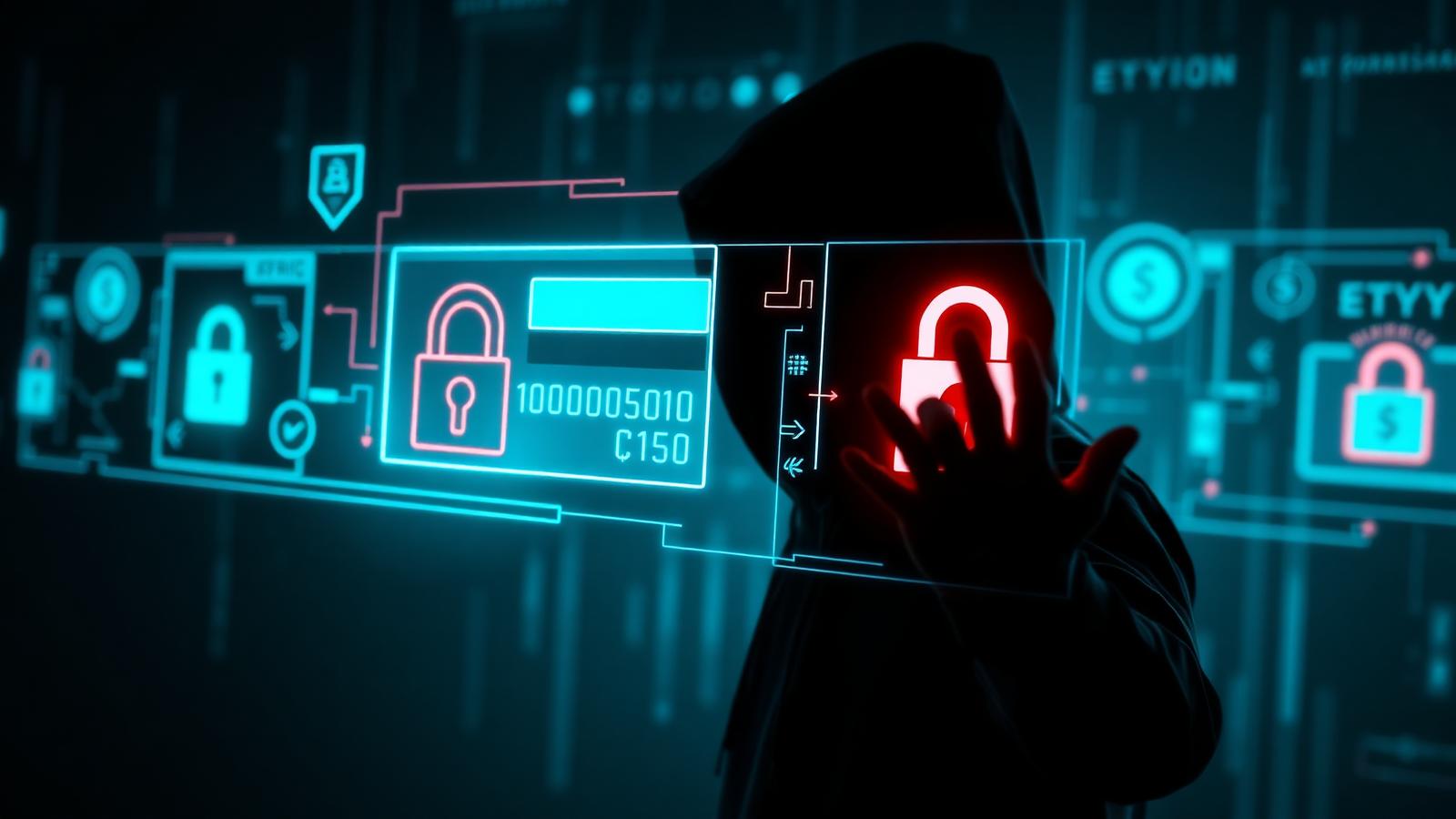
In the digital age, your bank account isn't just protected by a vault — it's protected by your cyber hygiene. Unfortunately, most people don't realize just how easy it is for cybercriminals to hack into bank accounts, steal funds, and vanish without a trace.
With billions of dollars lost to financial fraud every year, understanding how hackers get access to your bank account — and how to prevent it — is more important than ever. In this in-depth guide you'll learn the most common and advanced methods hackers use, the psychology behind social engineering, real-life examples of account takeovers, and the expert-level steps to secure your money and identity.
How hackers gain access to bank accounts
Hackers use a wide variety of tactics — from technical exploits to psychological manipulation — to breach your accounts. Below are the seven most common methods we see across investigations.
1. Phishing attacks: social engineering at its worst
Phishing is the practice of tricking you into giving up your login credentials or personal information through fake communication. It remains the #1 tactic used to access bank accounts.
How it works: you receive a fake email, SMS or phone call that appears to be from your bank. The message urges you to take action — verify your account, prevent a suspension, confirm a charge — and includes a link to a fake banking website. When you input your details, they go directly to the attacker.
- Spear phishing — personalized emails that target you by name and role.
- Smishing — phishing via SMS text messages, often with shortened links.
- Vishing — voice phishing where a fake "fraud department" walks you into approving transfers.
A 2022 FBI report revealed over $50 million was stolen through phishing tactics impersonating banks like Chase, Bank of America and Wells Fargo — and those numbers have grown every year since.
2. Credential stuffing: exploiting weak password habits
Hackers don't always "hack" your account — sometimes they just log in with your leaked info.
- They purchase leaked username/password combos from data breaches on the dark web.
- They use bots to test those credentials on banking websites at massive scale.
- If you reuse passwords across sites, you're already at risk.
This method is automated, fast and frighteningly effective — one reused password from a forum breach in 2017 is enough to take over a bank login in 2026.
3. Malware, keyloggers and remote access trojans (RATs)
When you download infected software or click malicious links, you might unknowingly install:
- Keyloggers — record everything you type, including passwords and 2FA codes.
- Remote Access Trojans (RATs) — give hackers full control over your device.
- Screen scrapers — capture what you see and do on your screen in real time.
Common entry points: free or pirated software, fake email attachments ("invoice.pdf.exe"), drive-by downloads from infected websites, and "cracked" browser extensions.
4. SIM swapping and mobile hijacking
SIM swapping is one of the most damaging methods we see — attackers take over your mobile number entirely.
- They gather enough info to impersonate you (SSN, date of birth, address — much of it from prior breaches).
- They convince your mobile provider to port your number to their SIM.
- Once they control your number, they intercept 2FA codes, password reset links and banking OTPs.
With that, they bypass nearly every SMS-based security measure and drain accounts in minutes.
5. Public Wi-Fi snooping and man-in-the-middle attacks
When you use unsecured public Wi-Fi at a coffee shop, hotel or airport, hackers can set up a "man-in-the-middle" (MITM) attack. They sit between you and the banking server, intercepting your data as you log in. If the site isn't using HTTPS or you're not on a VPN, your session can be hijacked.
6. Fake banking apps and cloned websites
Cybercriminals build fake versions of mobile banking apps that look exactly like the real thing. You install the app, it prompts you to log in, your credentials go straight to the attacker — and some even redirect you to the real app so you don't notice anything unusual until the wire has already cleared.
7. Browser hijacking and form jacking
Attackers can inject malicious JavaScript into legitimate banking and e-commerce websites using form jacking. The page looks normal, you think you're safe because you're on the real domain — meanwhile, your login data is quietly siphoned to a third party with every keystroke.
How to protect your bank account from hackers
It's not all doom and gloom — there are powerful, easy-to-implement strategies that drastically reduce your risk. Here are the most effective controls, in priority order.
1. Use strong, unique passwords
- Never reuse a password across financial accounts.
- Use long passphrases (e.g. "Purple$Rain_Forever2025!") instead of short complex strings.
- Store them in a reputable password manager — 1Password, Bitwarden or Dashlane.
- Never keep passwords in sticky notes, Google Docs or email drafts.
2. Enable multi-factor authentication (MFA) everywhere
Two-factor authentication adds a crucial second layer of protection. Not all 2FA is equal — rank them in this order:
- Hardware security keys (YubiKey, Titan Key) — strongest, phishing-resistant.
- Biometrics (Face ID, fingerprint) — strong and convenient on trusted devices.
- App-based codes (Google Authenticator, Authy, 1Password) — strong.
- SMS-based codes — better than nothing, but vulnerable to SIM swap.
Use app-based or hardware 2FA whenever possible — they are dramatically harder to intercept than text messages.
3. Be suspicious of emails, calls and texts
Even if it looks official, don't trust it blindly.
- Never click links from "bank" emails — open your banking app directly.
- Call your bank using the number printed on the back of your card, not from the email.
- Hover over links before clicking to see the real destination.
- Watch for grammar mistakes, lookalike domains and urgency ("Act now!") — all red flags.
4. Install antivirus and anti-malware tools
Protect your devices from spyware and keyloggers with a reputable product such as Malwarebytes, Bitdefender Total Security, Kaspersky Security Cloud or Emsisoft Anti-Malware. Run full scans regularly and keep real-time protection on.
5. Use a VPN on public networks
VPNs encrypt your traffic and keep your session private on untrusted Wi-Fi. Reputable options include NordVPN, ExpressVPN, ProtonVPN and Surfshark. Always enable the "kill switch" feature so traffic stops if the VPN drops.
6. Set mobile account PINs to prevent SIM swapping
- Call your cell provider and add a PIN or passcode to your mobile account.
- Disable remote SIM swaps — require in-person verification at a store.
- Use app-based authentication instead of SMS wherever possible.
7. Only download official apps
- Always download banking apps from the Apple App Store or Google Play Store.
- Avoid APKs and third-party app stores.
- Check reviews, developer info and download counts before installing.
8. Turn on account alerts and monitor activity
Enable real-time notifications for large withdrawals, transfers and new device logins. Review your bank statements and credit reports at least once a month — early detection is the difference between a recoverable incident and a wiped-out account.
9. Freeze your credit (bonus tip)
Even if your bank info is stolen, hackers can't open new accounts in your name if your credit is frozen. You can do this for free at Experian, Equifax and TransUnion. Unfreeze temporarily only when you actually apply for new credit.
What to do if you think you've been hacked
Act fast. Speed is critical — most banks limit your liability only if you report within a specific window.
- 1Contact your bank immediately — freeze accounts and cards, report unauthorized transactions.
- 2Change your passwords from a clean device (not the one you suspect is compromised).
- 3Run malware and virus scans on every device that touched the account.
- 4Enable fraud alerts with Experian, Equifax and TransUnion.
- 5File a report with the FTC at identitytheft.gov.
- 6Monitor all bank accounts and credit cards daily for the next 90 days.
Cybersecurity is financial security
You don't have to be a tech genius to stay safe online — but you do have to be vigilant. Hackers rely on laziness, poor habits and lack of awareness to exploit their victims. By following the steps in this guide, you can sleep easier knowing your money is protected, reduce the risk of identity theft, and stay one step ahead of cybercriminals. The strongest defense is a proactive one.
Need help getting secured? Contact Cybrvault today — 305-988-9012 · info@cybrvault.com
Get the 10-step Cyber Hardening Checklist
The exact steps our Miami team uses to lock down people and small businesses — takes under an hour. Instant access, no call required.
// frequently asked
Questions teams ask us
How do hackers most commonly access bank accounts?+
Phishing emails, SMS and calls remain the #1 method, followed by credential stuffing using passwords leaked in unrelated data breaches. SIM-swap attacks targeting SMS-based 2FA are the fastest-growing category.
Is SMS-based 2FA safe enough for banking?+
It's better than nothing, but it's the weakest form of 2FA because SIM-swap attacks can hijack your number and intercept codes. Use an authenticator app or hardware key on financial accounts whenever the option is available.
How do I prevent a SIM swap attack?+
Add a port-out PIN or passcode to your mobile carrier account, require in-person verification for SIM changes, and switch financial 2FA away from SMS to an authenticator app or hardware key.
Is it safe to use public Wi-Fi for banking?+
Not without protection. Use a reputable VPN with a kill switch enabled, or use your phone's cellular hotspot instead. Never log into banking on a network you don't control if you can avoid it.
What should I do first if my bank account was hacked?+
Call your bank immediately to freeze accounts and cards, then change your passwords from a separate clean device, run a full malware scan, freeze your credit at all three bureaus, and file a report at identitytheft.gov.
// miami, fl services
Cybersecurity built for South Florida
// need help applying this?
Book a free, confidential consultation.
Our engineers can map this to your environment in 30 minutes.
Get secured// keep reading
Related articles

Personal Cybersecurity
Cybersecurity for Wealthy Individuals in Miami (2026): The Private Client Guide to Digital Privacy, Data Removal & Wire Fraud Defense
Wealth is now a targeting signal. This 2026 guide shows Miami high-net-worth families exactly how criminals find you (property records, data brokers, social posts, staff), how to remove your personal information from the internet, how to stop six-figure wire fraud and SIM swaps, and how to secure the household — principals, family offices, estates, yachts and domestic staff.
Personal Cybersecurity
How to Prevent Identity Theft in 2026: A Miami Resident's Complete Guide
Florida leads the country in identity theft reports year after year — and Miami is the epicenter. This 2026 field guide from a Miami cybersecurity firm walks through the exact freezes, alerts, tools, and daily habits that actually stop identity theft (and what to do in the first 24 hours if it already happened to you).
Personal Security
Best Cybersecurity Practices for Individuals: 2026 Guide
Follow a practical, prioritized personal cybersecurity checklist for safer accounts, devices, home Wi-Fi, finances, travel, family communications, and recovery.
Under attack right now? Our 24/7 line responds immediately.