
Personal Security
How to Tell If Someone Is Tracking Your Phone: The 2026 Detection & Removal Guide
Worried someone is tracking your phone? This 2026 guide from Cybrvault's Miami mobile-forensics team shows the exact signs of GPS tracking, stalkerware, and spyware on iPhone and Android — plus the step-by-step playbook to find it, remove it, and lock your phone down.
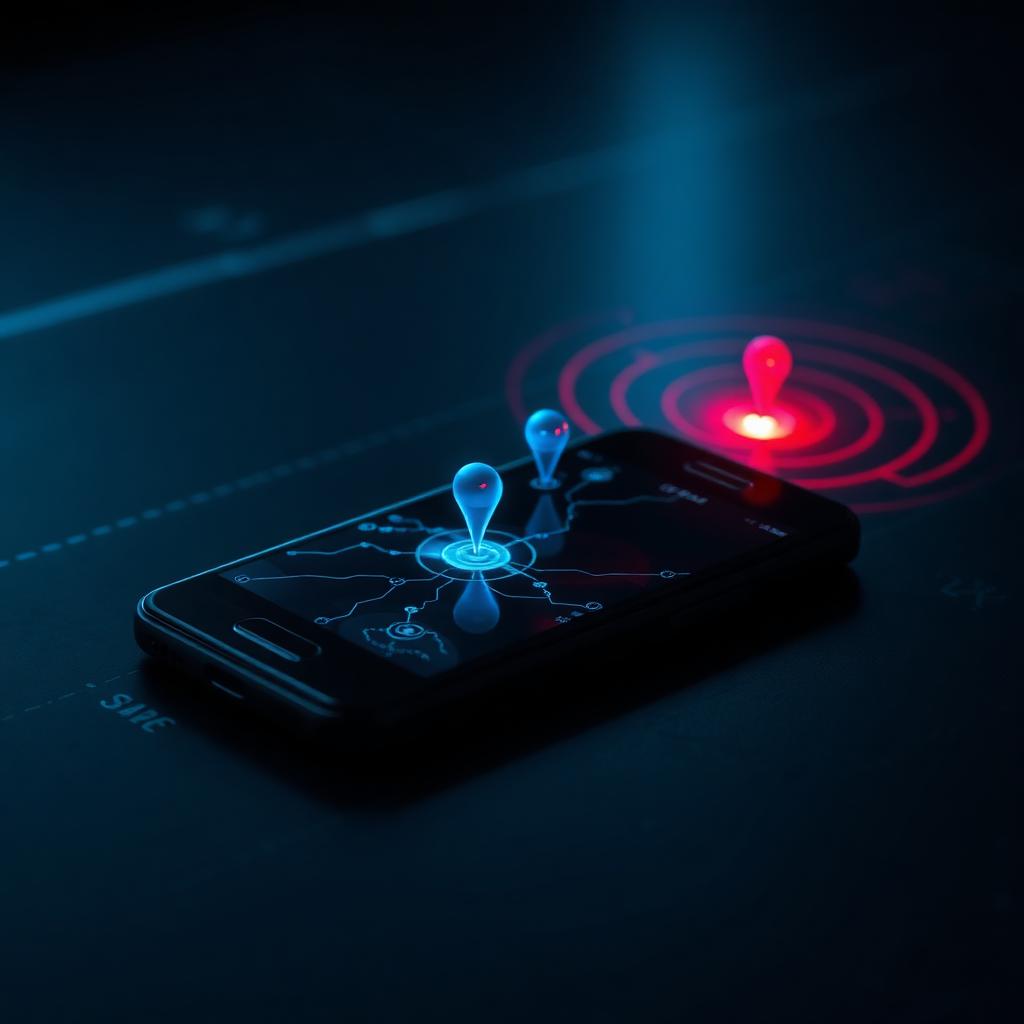
If you're reading this at 2 a.m. wondering why your battery is at 12% again, why your ex seems to know where you are, or why your phone gets warm sitting on the nightstand — you're not paranoid. Phone tracking is now a $14 billion industry, and most of it isn't nation-state Pegasus. It's a $29.99 stalkerware app, a forgotten shared iCloud login, or a Family Sharing invite you accepted in 2021.
Cybrvault's Miami mobile-forensics team triages dozens of "is my phone being tracked" cases every month — for domestic-violence survivors, executives, attorneys preparing trial, and Brickell families dealing with a contentious divorce. This is the exact playbook we walk clients through, written so a non-technical person can run it tonight.
First, understand how phones actually get tracked in 2026
Forget the movies. 95% of real-world phone tracking falls into one of four buckets:
- 1Stalkerware apps (mSpy, Cocospy, FlexiSpy, Hoverwatch, Eyezy, KidsGuard). Require 5–15 minutes of physical access and your passcode. Hide their icon. Send location, texts, call logs, photos, and microphone audio to a web dashboard.
- 2Shared accounts. Whoever has your Apple ID or Google password sees your live location in Find My / Find My Device, your iMessages on a Mac, your photos in iCloud, and your search history.
- 3Family Sharing, Find My, Google Family Link, Life360. Legitimate features used illegitimately — they're tracking you because you agreed to it, possibly years ago, and forgot.
- 4Malicious MDM or configuration profiles. Common in employer-issued or 'gifted' phones. Lets the installer read everything on the device with no app required.
Less common but real: SS7 cellular-network attacks (track location via your phone number, no install needed), AirTag/SmartTag tracking (your phone is fine, but a tracker is hidden in your car or bag), and commercial spyware like Pegasus and Predator (rare, targeted, expensive — but real for journalists, activists, and executives).
The 9 signs someone is tracking your phone
1. Battery drains noticeably faster
Stalkerware runs constantly in the background — GPS polling, microphone hot-mic, network uploads. A phone that used to last all day now dies by 4 p.m. with the same usage. On iPhone, check Settings → Battery → Battery Usage by App and look for unfamiliar apps or 'Background Activity' on apps that should be idle.
2. Phone is warm when you aren't using it
If your phone is hot sitting on the table at idle, something is running. GPS + cellular upload + microphone is the warmest combination. Rule out a bad battery or charging issue first, but persistent idle heat is a tracking red flag.
3. Mobile data usage spikes for no reason
Stalkerware uploads recordings, photos, and location logs over your data plan. Check Settings → Cellular (iPhone) or Settings → Network & Internet → SIMs → App data usage (Android). A 'System Services' or unknown app eating gigabytes is a flag.
4. The green/orange dot (or camera/mic icon) appears when you aren't using your phone
iOS 14+ and Android 12+ show a small indicator when an app uses the microphone or camera. If you see it light up when your phone is locked or you're not using a recording app — that's the single most reliable real-time stalkerware tell ever shipped on a phone. Swipe down on iPhone Control Center to see which app just used it.
5. Strange texts, codes, or links you didn't request
2FA codes for accounts you didn't try to log into, gibberish texts (sometimes used to trigger stalkerware commands), or 'verify your Apple ID' phishing texts targeting your specific phone number suggest someone is actively working your accounts.
6. Apps, profiles, or device admins you didn't install
On iPhone: Settings → General → VPN & Device Management — there should be nothing here unless your employer manages your phone. On Android: Settings → Security & Privacy → More security settings → Device admin apps — same rule.
7. Phone reboots, screen wakes, or flashlight turns on by itself
Stalkerware sometimes needs to restart services after iOS/Android updates. Random reboots, the screen lighting up when nothing pushed a notification, or the flashlight flicking on when the phone is in your pocket are all suspicious.
8. Performance is suddenly slow or laggy
A phone bogged down by background recording and uploading feels sluggish — apps take longer to open, typing lags, the camera takes a beat to launch.
9. Someone knows things they shouldn't
An ex who 'just happens' to show up where you are. A boss who references a private message. A family member who knows you went to a specific address. This is often the first sign people notice — and it's the one that brings them to Cybrvault.
Step-by-step: how to find out who (or what) is tracking your phone
Step 1 — Audit your Apple ID or Google account first
Before you touch the phone, log into your account from a separate, trusted computer.
- iPhone: appleid.apple.com → Devices. Sign out anything you don't recognize. Then change your Apple ID password.
- Android: myaccount.google.com → Security → Your devices. Same drill. Then change your Google password and review 'Third-party apps with account access.'
- Turn on two-factor authentication and remove any phone numbers or recovery emails that aren't yours.
Step 2 — Check who's in your Family Sharing / Find My circle
- iPhone: Settings → [your name] → Family Sharing. Remove anyone who shouldn't be there. Also check Find My → People — that's a separate sharing list.
- Android: Settings → Google → Manage your Google Account → People & sharing → Family group, then open Google Maps → your photo → Location sharing.
- Don't forget third-party apps: Life360, Snapchat Snap Map, Google Maps, WhatsApp Live Location, and even Apple Wallet (kid tracking cards).
Step 3 — Review installed apps and profiles
- iPhone: Settings → General → VPN & Device Management. Remove anything you didn't install. Then scroll your full app list — long-press any app you don't recognize and tap 'Remove App.'
- Android: Settings → Apps → See all apps. Sort by 'Last used.' Stalkerware often hides under names like 'System Service,' 'Sync Manager,' or 'WiFi Helper.' Tap each suspicious one → Force Stop → Uninstall. If the Uninstall button is grayed out, check Settings → Security & Privacy → Device admin apps and revoke admin access first.
- Check Settings → Privacy → App Privacy Report (iPhone) or Settings → Security & Privacy → Privacy dashboard (Android) for which apps used location, microphone, camera, and contacts in the last 7 days.
Step 4 — Look for hardware trackers
An AirTag in your car's wheel well or a SmartTag in your purse will follow you anywhere your phone goes. iPhones automatically alert when an unknown AirTag is traveling with you (open Find My → Items → Items Detected With You). Android users should install Apple's 'Tracker Detect' app and Google's built-in 'Unknown tracker alerts' (Settings → Safety & emergency).
Step 5 — Check for a malicious VPN or DNS
A 'gift' VPN profile routes all your traffic through someone else's server, where they can see every site you visit. iPhone: Settings → General → VPN & Device Management → VPN. Android: Settings → Network & Internet → VPN. Remove anything you didn't personally install from the App Store / Play Store.
How to stop someone from tracking your phone (in order)
- 1Change your Apple ID or Google password from a separate trusted device. This alone kills 60% of consumer tracking — most 'hacks' are just shared logins.
- 2Sign out all unknown devices from your account and turn on two-factor authentication with an authenticator app (not SMS, which can be SIM-swapped).
- 3Change your phone passcode and disable biometric unlock temporarily so a known passcode can't be used to re-enable Face/Touch ID.
- 4Remove unknown configuration profiles, VPNs, and device admin apps (Step 3 above).
- 5Update iOS or Android to the latest version. Many spyware variants don't survive an OS upgrade.
- 6If you still see indicators of tracking, factory reset the phone. iPhone: Settings → General → Transfer or Reset iPhone → Erase All Content and Settings. Android: Settings → System → Reset options → Erase all data. Set it up as a new phone — do NOT restore from your most recent iCloud/Google backup, or you'll restore the malicious profile/app right back.
- 7Once it's clean, turn on Apple's Stolen Device Protection and Lockdown Mode (iPhone) or Android's Advanced Protection Program (high-risk users).
- 8Call your carrier and add a port-out PIN to prevent SIM-swap attacks. Then add a hardware security key to your Apple ID / Google account.
Special cases
If this is a domestic violence situation
Don't factory reset yet — the reset can tip off your abuser that you found the spyware and escalate the situation. Contact the National Domestic Violence Hotline (1-800-799-7233) or the Safety Net project at NNEDV first. They'll help you plan timing. Cybrvault provides free confidential mobile triage for South Florida DV survivors through partner shelters — call discreetly from a friend's phone.
If you're an executive, attorney, journalist, or HNW family
Your threat model includes commercial spyware (Pegasus, Predator, Reign), not just consumer stalkerware. Enable Lockdown Mode on iPhone, run Mobile Verification Toolkit scans quarterly, and consider a 24/7 mobile monitoring engagement with Cybrvault. We provide written forensic reports admissible in court.
If your employer issued the phone
Assume it's monitored — that's the legal default in Florida. Don't use a work phone for personal accounts, banking, dating apps, or private messaging. Get a cheap personal phone for personal life.
How to keep your phone untrackable going forward
- Never lend your unlocked phone to anyone, even briefly. 90 seconds is enough to install stalkerware.
- Use a 6+ digit alphanumeric passcode and turn off 'Show Notifications on Lock Screen' for sensitive apps.
- Audit your Apple ID / Google account every 90 days — devices, signed-in apps, recovery contacts.
- Use the App Privacy Report (iPhone) or Privacy Dashboard (Android) monthly. Anything weird? Investigate.
- Add a port-out PIN with your carrier. SIM-swap attacks bypass everything else.
- Move 2FA off SMS to an authenticator app or hardware key. See our guide to passkeys and modern MFA.
- If you're in Miami and want a one-time professional sweep, Cybrvault offers in-person mobile triage in Brickell, Coral Gables, Coconut Grove, Aventura, and Doral.
If you've worked through the steps above and you still feel like something is off — trust that instinct. Phone tracking in 2026 is cheap, easy, and disturbingly common, and the people who do it count on victims second-guessing themselves. Book a free, confidential 15-minute consultation with Cybrvault's Miami team and we'll help you confirm or rule it out.
Get the 10-step Cyber Hardening Checklist
The exact steps our Miami team uses to lock down people and small businesses — takes under an hour. Instant access, no call required.
// frequently asked
Questions teams ask us
Can someone track my phone without installing anything?+
Yes — if they have your Apple ID or Google password, they can see your live location, messages, and photos without ever touching your phone. They can also track you via SS7 cellular-network attacks (phone number only, rare but real), Family Sharing/Find My if you previously accepted an invite, or a physical AirTag/SmartTag hidden in your bag or car. Most consumer tracking, however, requires either a shared account or a stalkerware app installed during brief physical access.
Will airplane mode stop someone from tracking my phone?+
Airplane mode stops live GPS reporting and cellular triangulation while it's on — but stalkerware will queue everything and upload it the moment you turn airplane mode off. It also doesn't remove the spyware. Use airplane mode as a tactical pause, not a fix. The real fix is the audit and reset playbook above.
Can someone track my iPhone if it's turned off?+
iPhone 11 and newer support 'Find My network when off' — a low-power Bluetooth ping that's still detectable for hours after shutdown. If you're worried, go to Settings → [your name] → Find My → Find My iPhone, and turn off both 'Find My network' and 'Send Last Location.' Note: this also makes a stolen iPhone unrecoverable.
Does #21# or #62# really show if my phone is being tracked?+
No. Those are call-forwarding diagnostic codes — they show whether calls/texts are being forwarded to another number, which is unrelated to modern stalkerware. The viral TikToks claiming otherwise are wrong. Use the real signs and steps above instead.
Will a factory reset remove stalkerware?+
Yes, in 99% of consumer cases — as long as you set up the phone as new and don't restore from your last backup. Restoring from backup can restore malicious configuration profiles, MDM enrollments, and app data. For confirmed Pegasus or Predator infections, factory reset plus a new SIM plus an Apple Threat Notifications check is the minimum.
How can I tell if my Android phone has spyware specifically?+
Check Settings → Security & Privacy → Device admin apps (anything you didn't enable = remove), Settings → Apps → See all apps (sort by 'Last used' and investigate anything generic-sounding like 'System Service' or 'Sync Helper'), and Settings → Security & Privacy → Privacy dashboard (which apps used location, mic, camera in the last 7 days). Free tools like Malwarebytes Mobile and Lookout can also flag known commercial stalkerware families.
What if my partner is using Life360 or Find My to track me?+
That's not technically spyware — it's a consensual feature being used coercively. Open the app, leave the circle (or stop sharing your location), and change your Apple ID/Google password so they can't re-add you. If you're worried about retaliation, document everything first and contact a DV advocate before making the change.
Can Cybrvault check my phone for tracking in person?+
Yes. Cybrvault's mobile-forensics team in Miami performs in-person iPhone and Android triage — stalkerware scan, account audit, profile review, AirTag sweep, and a written report. We work with attorneys, DV shelters, executives, and families across Brickell, Coral Gables, Coconut Grove, Aventura, Doral, and Fort Lauderdale. Book a free 15-minute confidential consultation at /contact.
// miami, fl services
Cybersecurity built for South Florida
// need help applying this?
Book a free, confidential consultation.
Our engineers can map this to your environment in 30 minutes.
Get secured// keep reading
Related articles
Personal Security
Best Cybersecurity Practices for Individuals: 2026 Guide
Follow a practical, prioritized personal cybersecurity checklist for safer accounts, devices, home Wi-Fi, finances, travel, family communications, and recovery.
Personal Security
Personal Cyber Security Services in Miami: 2026 Guide
A practical guide to personal cyber security services in Miami for individuals, families, executives, and professionals—including device, account, privacy, home network, and incident protection.

Personal Security
Email Hacked? (2026): 14 Signs Your Email Was Compromised and How to Take It Back
Your email account is the master key to your entire digital life. Here are the 14 signs that it has been compromised, the free tools that confirm it in under five minutes, and the exact 12-step lockdown sequence Miami incident responders use to take an account back and keep it.
Under attack right now? Our 24/7 line responds immediately.