
Identity & Access
Passkeys vs Passwords: The Complete 2026 Guide (And Why Your Business Should Switch Now)
Passkeys replace passwords with phishing-resistant cryptographic keys tied to your device's biometrics. Here's exactly how they work, where they win, where they still hurt, and the 7-step rollout plan our Cybrvault team uses for small businesses in 2026.
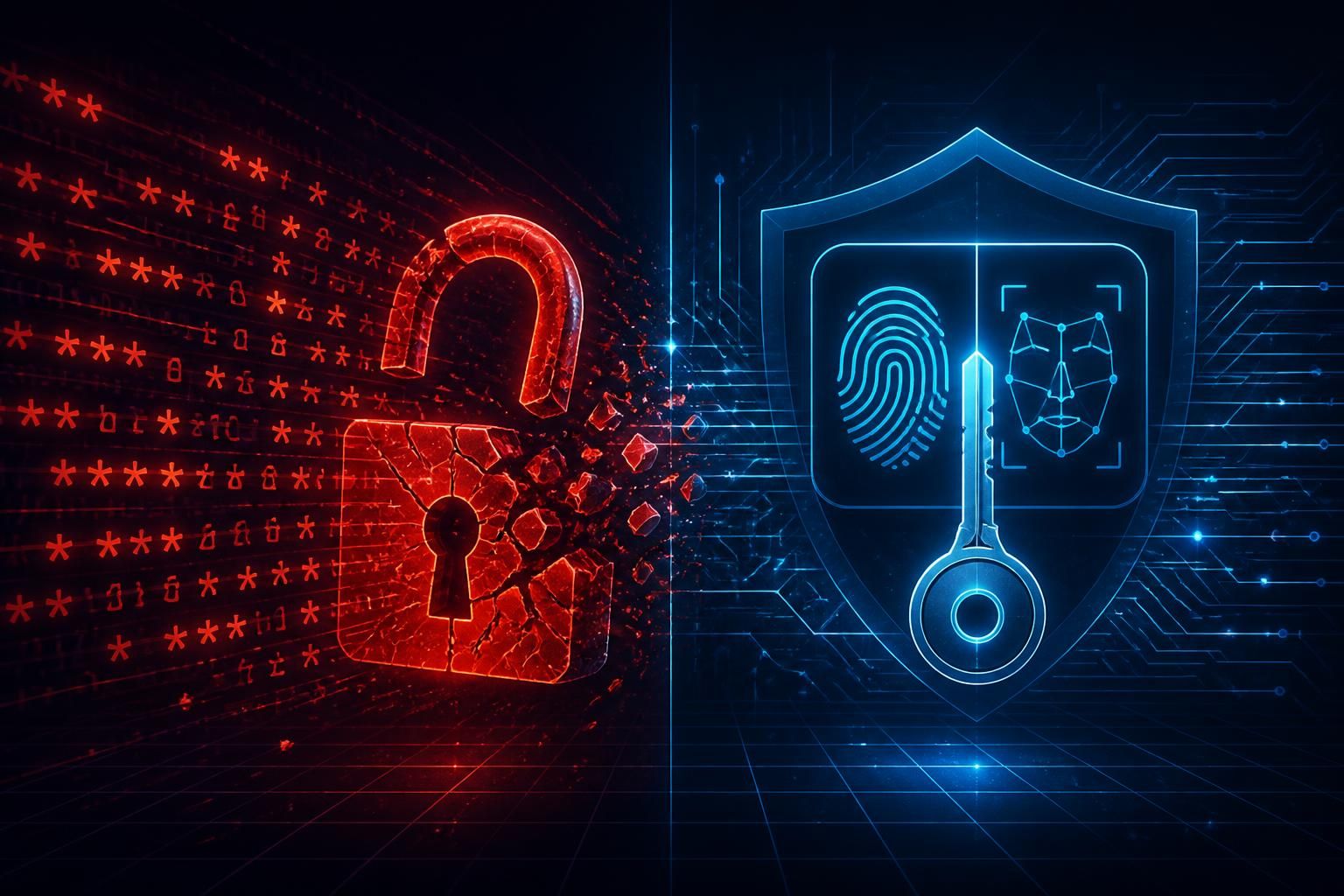
Passwords have been broken for a decade. The 2025 Verizon Data Breach Investigations Report attributed 88% of basic web-application attacks to stolen credentials, and the FBI's 2025 IC3 report tied $4.6B in business email compromise losses to phishing pages that harvest passwords and one-time codes. Every security team knows the fix — kill the shared secret — but most have waited because the replacement was clunky. In 2026, that excuse is gone. Passkeys are everywhere, they work, and they are now the single highest-leverage change a small business can make to stop account takeover.
This guide is the passkeys vs passwords explainer we wish existed when we started rolling them out for Cybrvault clients in 2023. We'll cover what a passkey actually is (and isn't), exactly how it beats passwords in a side-by-side comparison, where the sharp edges still are in 2026, and the 7-step playbook our team uses to migrate a typical small or mid-sized business in about 30 days.
What Is a Passkey?
A passkey is a pair of cryptographic keys generated on your device when you create or upgrade an account. The private key never leaves your device (or your encrypted cloud keychain). The public key is sent to the website. When you log in, the site sends a one-time challenge; your device signs it with the private key after you unlock it with Face ID, Touch ID, Windows Hello, or a device PIN. The site verifies the signature with the public key and you're in.
Three things follow from that design, and they are the entire reason passkeys win:
- There is no shared secret on the server. A breach of the website's database leaks only public keys, which are useless to attackers — like leaking everyone's mailing address with no keys to their houses.
- The signature is bound to the real origin (the actual domain) of the site. A phishing page on a look-alike domain cannot collect a passkey that works against the real site. This is the property that finally kills credential phishing.
- Authentication is local. You prove you're you to your device with biometrics; your device proves it's the right device to the site with cryptography. There's no one-time code to type in, no push to approve, no MFA fatigue to exploit.
Passkeys are built on the FIDO2 and WebAuthn standards — the same open specs behind hardware security keys like YubiKey and Titan. A 'passkey' is essentially a FIDO2 credential that's been made user-friendly: synced across your devices, unlocked with biometrics you already use, and presented in a familiar OS prompt instead of asking you to plug in a USB key.
How Do Passkeys Work? (The 60-Second Version)
- 1You sign up or upgrade an account on a site that supports passkeys (Google, Microsoft, Amazon, PayPal, GitHub, Shopify, etc.). The site asks if you want to create a passkey.
- 2Your device generates a unique key pair locally. The private key is stored in the device's secure enclave (Apple Secure Enclave, Android StrongBox, Windows TPM, or a hardware key).
- 3The public key is sent to the site and tied to your account.
- 4Next time you log in, the site sends a random challenge. Your browser asks your device to sign it. You unlock with Face ID, Touch ID, Hello, or PIN. The signed challenge goes back. The site verifies. You're in — in under two seconds, with no password and no code.
- 5If your passkey is a 'sync passkey' (iCloud, Google, 1Password, Bitwarden), it's end-to-end encrypted to your other devices so you can log in from your laptop after creating it on your phone.
Passkeys vs Passwords: Side-by-Side
Both are credentials. That's where the similarity ends. Below is the comparison we walk every client through before a rollout.
Phishing resistance
Passwords: zero. A typo-perfect phishing page steals the password and the one-time code in real time and replays them at the real site. This is how the MGM, Caesars, Twilio, Reddit, and Cisco breaches started. Passkeys: total. The browser refuses to sign a challenge for a domain that doesn't match the one the passkey was registered to. There is no user decision to get wrong.
Breach resistance
Passwords: a leaked database hands attackers credentials they can crack offline and replay against every site you've reused the password on. Passkeys: a leaked database hands attackers public keys with no offline-cracking attack and no reuse — each passkey is unique per site.
Reuse risk
Passwords: 64% of people still reuse passwords across sites (NIST 2025). One breach burns dozens of accounts. Passkeys: every passkey is generated fresh per site. Reuse is not just discouraged — it's mathematically impossible.
MFA fatigue
Passwords + push MFA: attackers spam approval prompts at 3 a.m. until someone taps Approve. Passkeys: there is no prompt to spam. Authentication requires a live biometric on your physical device for that specific login.
User friction
Passwords: average user has 100+ accounts, can't remember any of them, resets one per week. Passkeys: Face ID, two seconds, done. In Google's own production data, passkey logins succeed 4× more often than password logins and complete 2× faster.
Account recovery
Passwords: 'forgot password' link to email — which is itself secured by a password. Passkeys: recovery requires either a synced passkey on another device, a second registered passkey (hardware key), or a vendor recovery flow (ID verification, trusted contacts). This is the one area where passkeys are not strictly better — you have to think about recovery in advance, instead of relying on email. We cover this in the rollout plan below.
Compliance
Passkeys satisfy NIST 800-63B AAL3, PCI DSS 4.0 phishing-resistant MFA requirements, CMMC 2.0 MFA controls, the HHS HPH cybersecurity performance goals, and most cyber insurance phishing-resistant MFA requirements. Password + SMS does not. If you need help proving any of this in an audit, our cybersecurity audit and compliance reviews map each control to evidence your assessor will accept.
Sync Passkeys vs Device-Bound Passkeys
Not all passkeys are the same, and the difference matters more than the marketing suggests. There are two flavors, and which you choose changes your security and recovery model.
Sync passkeys (the default)
Created on one device, then end-to-end encrypted and synced to your other devices through a provider — iCloud Keychain, Google Password Manager, Windows Hello + Microsoft account, or a third-party manager like 1Password or Bitwarden. The provider can never read your private keys, but they hold the encrypted blobs and the recovery mechanism. Sync passkeys are the right default for 95% of users — they trade a little theoretical security (your provider becomes part of your trust boundary) for huge usability and recovery gains.
Device-bound passkeys
Generated on and locked to a single piece of hardware — usually a YubiKey, Feitian, or Titan security key, but also TPM-bound credentials on a managed workstation. They cannot be exported, synced, or extracted. This is the gold standard for high-value accounts: domain admin, SaaS super-admin, cloud root account, finance system access. Always register two device-bound keys per admin account so a lost key doesn't lock you out.
Where Passkeys Still Hurt in 2026
Honest assessment from someone who deploys these daily — passkeys are dramatically better than passwords, but they are not friction-free. Plan for these:
- Cross-ecosystem login. Logging into a site on a Windows laptop using a passkey that lives in iCloud Keychain works (via QR code + Bluetooth proximity) but is slower and confuses non-technical users. Easiest fix: use a cross-platform manager like 1Password or Bitwarden so passkeys sync across iOS, Android, macOS, Windows, and Linux uniformly.
- Shared accounts. Passkeys are designed for one identity per credential. Shared 'team@' accounts must move to per-user identities with proper role-based access, or use a manager (1Password Business, Bitwarden Teams) that supports shared passkeys in a vault.
- Legacy and on-prem systems. Older line-of-business apps, RDP, on-prem AD, and many legacy VPNs do not support WebAuthn. Bridge them with an SSO/IdP (Entra ID, Okta, Google Workspace) that does, then enforce passkey login at the IdP.
- Recovery if you lose all your devices. Sync passkeys recover with your iCloud / Google / Microsoft account, which itself needs strong recovery configured. Device-bound keys recover only if you registered a backup key. Plan recovery on day one.
- Phishing-resistant only against credential theft. Passkeys do not stop malware on your device, social-engineering wire transfers, malicious OAuth apps, or session-token theft after a successful login. They close one (huge) door, not all of them.
Which Sites Support Passkeys in 2026?
Adoption tipped in 2024 and went mainstream in 2025. As of 2026, passkey support is available on:
- Identity providers: Google, Microsoft 365 / Entra ID, Apple ID, Okta, Auth0, OneLogin, Ping.
- Productivity & collaboration: Google Workspace, Microsoft 365, Slack, Zoom, Notion, Dropbox, Adobe.
- Developer tools: GitHub, GitLab, Bitbucket, Cloudflare, Vercel, Netlify, npm, PyPI.
- Cloud consoles: AWS (IAM Identity Center), Microsoft Azure, Google Cloud, DigitalOcean, Linode.
- Financial & commerce: PayPal, Stripe, Shopify, Amazon, eBay, Best Buy, Robinhood, Coinbase, Kraken.
- Social & comms: X, LinkedIn, TikTok, WhatsApp, Discord, Reddit, Nintendo, PlayStation.
- Password managers (host and serve passkeys): 1Password, Bitwarden, Dashlane, Proton Pass, NordPass, Keeper.
The current public list is maintained at passkeys.directory and passkeys.io if you need to check a specific vendor.
The Cybrvault 7-Step Passkey Rollout for Small Businesses
This is the exact playbook we use when a 10–250 person business asks us to move them off passwords. It takes about 30 days from kickoff to enforcement and assumes you already use either Microsoft 365 or Google Workspace as your identity backbone.
Step 1 — Pick your passkey home (week 1)
Decide where your team's passkeys will live. Three good answers: (a) the OS keychain (iCloud + Google + Windows Hello) for purely BYOD shops, (b) a business password manager (1Password Business, Bitwarden Teams) for mixed-device shops, (c) the IdP itself (Entra ID passkeys, Google Workspace passkeys) for centrally-managed shops. Pick one. Mixing all three guarantees recovery confusion later.
Step 2 — Lock down identity recovery first (week 1)
Before anyone creates a passkey, fix the recovery account. For each user: verified personal recovery email, verified mobile number, and a recovery code printed and stored offline. For admins: at least two hardware security keys (YubiKey 5C NFC is our default) registered to each admin account, plus a break-glass account with its own hardware keys locked in a safe.
Step 3 — Roll out hardware keys to admins (week 2)
Anyone with global admin, billing, or production access gets two YubiKeys, period. Register both to every privileged account. Disable SMS and authenticator-app MFA on admin accounts once both keys are enrolled. This single step would have stopped most of the 2023–2025 high-profile SaaS breaches.
Step 4 — Enroll users in optional passkeys (week 2–3)
Send a one-page how-to (we provide a template as part of our passkey onboarding service). Let users add a passkey to their work account on their phone and laptop. Don't enforce yet. The goal of this week is to surface device problems — old iPhones that need an OS update, Android phones without screen lock, Windows machines without a TPM — before you flip the switch.
Step 5 — Enforce phishing-resistant MFA at the IdP (week 3)
In Entra ID, use a Conditional Access policy requiring 'Authentication strength: Phishing-resistant MFA' for all users on cloud apps. In Google Workspace, set 2-Step Verification to 'Security key' (which includes passkeys). Carve out a 7-day grace period for users still enrolling, then make it mandatory.
Step 6 — Migrate the long tail (week 3–4)
For the 30–80 SaaS apps your team uses outside SSO: prioritize anything holding customer data, money, or code. Add passkeys to GitHub, Stripe, AWS, Shopify, PayPal, and your domain registrar this week. Document each enrollment in your password manager so recovery isn't guesswork.
Step 7 — Decommission passwords where possible (week 4+)
On accounts that allow passkey-only login (Microsoft accounts, Google, GitHub, Shopify), remove the password entirely. Where you can't remove it, rotate it to a 64-character random string in the password manager and forget it. The password becomes a dormant recovery factor, not a daily login surface.
Common Passkey Myths, Debunked
'If I lose my phone, I lose everything.'
Not with sync passkeys — they're available on every device signed into your iCloud / Google / Microsoft / 1Password account. With device-bound passkeys, this is true unless you registered a backup key. Either way, the fix is to plan recovery on day one (Step 2 above).
'Biometrics aren't really secure.'
The biometric never leaves your device and is not used as the credential. It only unlocks the cryptographic key already stored in your device's secure enclave. A leaked fingerprint database (which has happened) cannot be replayed into a passkey login.
'Passkeys lock me into Apple/Google/Microsoft.'
Use a cross-platform manager (1Password, Bitwarden) and your passkeys are portable across every major OS. The FIDO Alliance also published a Credential Exchange Protocol in 2024 that lets you export and import passkeys between providers — most managers support it as of 2026.
'My users will hate it.'
Every Cybrvault client that rolled out passkeys saw help-desk password-reset tickets drop 70–90% within 60 days, and user satisfaction go up, not down. Face ID is faster than typing a password every time.
When to Get Help
If your business holds customer financial data, PHI, or any regulated information, the passkey rollout is also a compliance event — Conditional Access policy design, recovery documentation, and admin key custody all need to be defensible in a cybersecurity audit. If you'd rather not figure it out yourself, Cybrvault's passkey onboarding and identity hardening engagement walks a small business from password chaos to passkey-first in 30 days with admin keys, IdP policy, user training, and documented recovery, and our 24/7 monitoring team watches for anomalous sign-ins and session-token abuse after you cut over. Most clients are fully migrated before their next cyber insurance renewal — book a free consultation to scope yours.
Get the 10-step Cyber Hardening Checklist
The exact steps our Miami team uses to lock down people and small businesses — takes under an hour. Instant access, no call required.
// frequently asked
Questions teams ask us
What is the difference between a passkey and a password?+
A password is a shared secret that you type and the server stores (hashed). A passkey is a cryptographic key pair where the private key never leaves your device and the server only ever sees a public key. Passwords can be phished, leaked, reused, or guessed. Passkeys cannot — the math doesn't allow it.
Are passkeys safer than passwords?+
Yes, on every axis that matters in 2026: phishing, breach replay, credential stuffing, MFA fatigue, and brute force. Google's own production data shows passkey logins succeed 4× more often and complete 2× faster than passwords, with effectively zero account-takeover incidents on passkey-only accounts.
How do passkeys work if I have multiple devices?+
Sync passkeys are end-to-end encrypted to your other devices through iCloud Keychain, Google Password Manager, Windows Hello, or a cross-platform manager like 1Password or Bitwarden. Create the passkey once on your phone, log in on your laptop instantly. Device-bound passkeys (on a YubiKey) stay on that one device — register two keys per account so a lost key doesn't lock you out.
Can passkeys be hacked?+
There is no known attack against the WebAuthn cryptography itself. Realistic attack paths are (1) compromising the device that holds the passkey (malware, unlocked stolen device), (2) compromising the cloud account that syncs the passkey (which is why your iCloud/Google/Microsoft account needs strong MFA itself), or (3) tricking you into approving a malicious login on a real site — which still requires you to physically authenticate.
Do I still need a password manager if I use passkeys?+
Yes, for two reasons. First, not every site supports passkeys yet — your remaining passwords still belong in a manager. Second, business password managers (1Password Business, Bitwarden Teams) are also the best place to store passkeys for cross-platform teams, with team sharing, audit logs, and recovery built in.
What is a phishing-resistant MFA?+
Phishing-resistant MFA is any authentication method that cryptographically binds the login to the real site's domain, so a phishing page on a look-alike domain cannot relay the credential. Only two methods qualify today: FIDO2 hardware security keys (YubiKey, Titan) and passkeys. SMS codes, authenticator-app codes, and push approvals are not phishing-resistant.
Are passkeys required by compliance frameworks?+
Not by name, but phishing-resistant MFA is now required or strongly recommended by NIST 800-63B AAL3, PCI DSS 4.0 (effective March 2025), CMMC 2.0, the HHS healthcare HPH cybersecurity performance goals, and most cyber insurance carriers. Passkeys and FIDO2 keys are the practical way to meet that bar.
How long does a passkey rollout take for a small business?+
For a 10–250 person business already on Microsoft 365 or Google Workspace, our standard rollout is about 30 days: 1 week of recovery hardening, 1 week of admin hardware keys, 1–2 weeks of user enrollment, and the rest decommissioning passwords in long-tail SaaS.
// miami, fl services
Cybersecurity built for South Florida
// need help applying this?
Book a free, confidential consultation.
Our engineers can map this to your environment in 30 minutes.
Get secured// keep reading
Related articles

Email security
Why Your Phishing Filter Stopped Working in 2026 (and What Replaces It)
Generative AI didn't just make phishing easier — it broke the signal-based defenses you've relied on for a decade. Here's the new model, the tools that implement it, and what to retire.
Architecture
Zero Trust for the 50-Person Company (Without a $1M Budget)
Zero trust isn't a product and it isn't only for the Fortune 500. Here's a pragmatic 90-day path a small team can actually finish — sequenced by impact, not vendor pitch.

Business Security
PHP2Shell Cyberattack Explained: How PHP Vulnerabilities Can Give Hackers Control of Business Websites and Servers
PHP2Shell exposes PHP web servers to remote code execution. Learn affected versions, urgent patch steps, warning signs, and business protection in Miami.
Under attack right now? Our 24/7 line responds immediately.