
Phishing
Phishing Email Examples: 12 Real Scams and How to Spot Them (2026)
Twelve real-world phishing email examples from 2025–2026 — broken down line-by-line so you (and your team) can spot the red flags before clicking. Written by the Cybrvault incident response team.
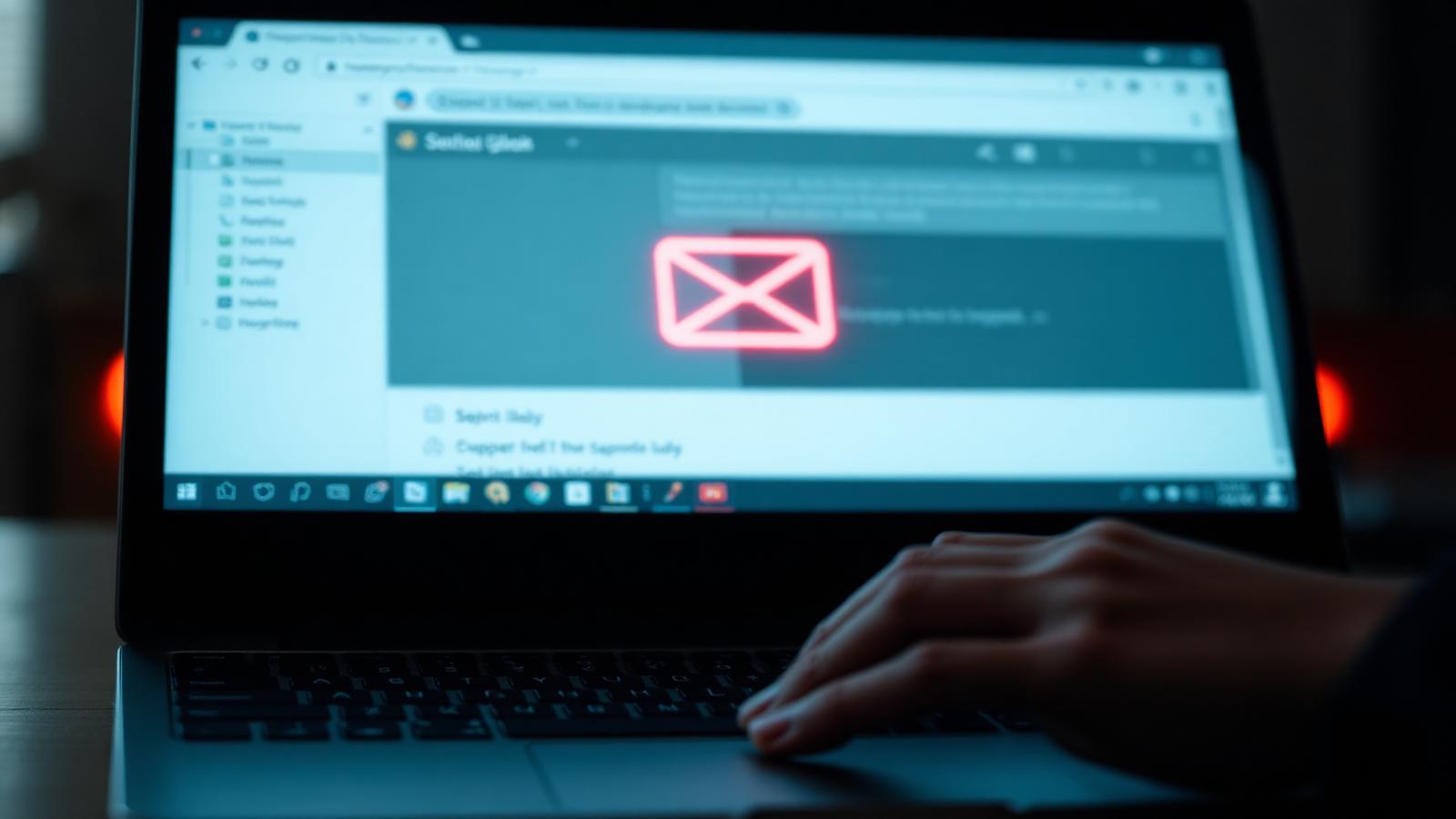
Phishing is still the #1 way attackers get into small businesses — and in 2026 it's harder to spot than ever. Generative AI killed the 'broken English and weird fonts' tell. The phishing emails we triage at Cybrvault today look identical to real Microsoft 365 notifications, real DocuSign requests, and real vendor invoices. The difference is in details most people never check.
Below are 12 real phishing email examples we've pulled from actual client incidents in the last 12 months (sanitized). For each one, you'll see what the email looked like, the specific red flags, and the exact verification step that would have stopped it. Send this guide to your team — it's better training than any 30-minute compliance video.
How to Spot a Phishing Email: The 7 Universal Red Flags
Before the examples, memorize these seven tells. Every phishing email in 2026 trips at least one — usually three or four. If an email hits any of these, slow down and verify through a second channel before you click, reply, or pay.
- 1Sender domain doesn't match the brand (microsft-support.com, docusign.help-portal.com, your-vendor.invoice-pay.co).
- 2Urgency or fear language ('account will be suspended in 24 hours', 'final notice', 'wire today').
- 3Secrecy ('don't loop in anyone else', 'this is confidential, handle it yourself').
- 4Unexpected attachment or link — especially HTML, PDF with a button, or shared-document notifications you didn't request.
- 5Link text and link destination don't match (hover before clicking; on mobile, long-press).
- 6Request to change payment details, banking info, or direct deposit — always, every time, no exceptions.
- 7Out-of-band MFA prompts you didn't trigger (someone is trying your password right now).
Done when: every employee can name at least five of these from memory and knows the company's verify-by-phone rule for money and credentials.
12 Real Phishing Email Examples (2025–2026)
1. The Microsoft 365 'Password Expires Today' Email
From: Microsoft 365 <no-reply@m365-account-security.com>. Subject: 'Action required: Your password expires in 4 hours.' Body says click here to keep your current password. The link goes to a pixel-perfect fake Microsoft login that captures both your password and your MFA code in real time (adversary-in-the-middle, or AiTM).
Red flags: Microsoft never sends password-expiry emails from non-microsoft.com domains, and they never include a 'keep current password' button. Verify by: opening portal.office.com directly in your browser — never via an email link.
2. The CEO Wire Transfer (Business Email Compromise)
From: 'Sarah Chen, CEO' <sarah.chen.ceo@gmail.com>. Subject: 'Quick favor — are you at your desk?' First message asks if you're available. Second message asks you to wire $48,000 to a 'new acquisition vendor' before end of day, and to keep it confidential because of the deal. The reply-to is a lookalike domain.
Red flags: personal Gmail address for a CEO, urgency + secrecy combo, money movement to a new account. Verify by: calling the CEO on a known number. Never reply to the email.
3. The Vendor Invoice 'Updated Banking Details' Email
From a real vendor's actual email account (compromised). Subject: 'Updated remittance information — please update on file.' Includes a polished PDF letterhead and new wire instructions to a different bank. This single technique caused over $2.7B in losses in 2024 per the FBI IC3 report.
Red flags: any banking change request, period. Verify by: calling the vendor at the phone number on a previous invoice (not the new email) and confirming the change with a human.
4. The DocuSign 'You Have a Document to Sign' Email
From: DocuSign <dse@docusign-secure.net>. Subject: 'Completed: Contract_Q2_2026.pdf.' The 'Review Document' button leads to a credential harvester. Often paired with a real-looking sender name like your attorney or accountant.
Red flags: docusign-secure.net is not a DocuSign domain (real ones are docusign.net and docusign.com). Verify by: logging into your DocuSign account directly to see if a real envelope exists.
5. The QR Code Phishing Email (Quishing)
Subject: 'Voicemail received — scan to listen' or 'Your MFA setup is expiring, scan to re-enroll.' Body contains almost no text — just a QR code as an image. Scanning with your phone bypasses corporate email filters and sends you to a credential page on your personal device.
Red flags: any QR code in an email asking you to authenticate. Verify by: ignoring the QR and re-enrolling MFA from your normal login flow on a known device.
6. The MFA Fatigue Push Notification
Not technically an email — but it starts with one. After harvesting your password via a phishing email, attackers spam your phone with MFA push approvals at 2 a.m. until you tap 'Approve' to make it stop. This is exactly how Uber, Cisco and several SMBs we've responded to were breached.
Red flags: any MFA prompt you didn't trigger. Verify by: tapping Deny, changing your password immediately, and switching to number-matching MFA or a hardware key (YubiKey).
7. The Shared SharePoint / Google Drive File
From a real coworker's compromised account. Subject: '<Coworker name> shared a document with you: 2026_Budget.xlsx.' The link is a real SharePoint URL hosting a malicious HTML file that pops a fake login. Because the sender and the link are 'real,' email filters pass it through.
Red flags: a coworker sharing a file you didn't expect, especially budget/HR/legal docs. Verify by: Slack/Teams message to the coworker asking 'did you just share X?'
8. The Payroll Direct Deposit Change
From: an employee's spoofed name <employee.name123@outlook.com> to HR or payroll. Subject: 'Updated direct deposit info for next paycheck.' Attaches a new voided check. By the time the real employee notices their paycheck didn't arrive, the money is gone.
Red flags: direct deposit changes via email from a non-corporate address. Verify by: a signed form submitted in person or through your HRIS portal — never email-only.
9. The IT Help Desk 'Storage Almost Full' Email
From: IT Support <itsupport@yourcompany-helpdesk.com>. Subject: 'Your mailbox is 99% full — click to expand.' The link goes to a fake Outlook login. Attackers register lookalike domains for your company specifically (yourcompany-helpdesk, yourcompany-it, yourcompany-support).
Red flags: IT emails from any domain other than your actual company domain. Verify by: walking over to IT or messaging them in your normal channel.
10. The Bank Fraud Alert Smishing Cross-Over
Email arrives saying 'Suspicious $3,200 charge from your business account — reply STOP to dispute.' Replying triggers an SMS conversation that escalates to 'please confirm your online banking password to lock the account.' The cross-channel jump makes it feel legitimate.
Red flags: any bank asking you to confirm a password — they never do. Verify by: calling the number on the back of your debit card.
11. The Calendar Invite Phish
A meeting invite appears on your calendar with a 'Join meeting' link. You didn't accept anything — Google Calendar and Outlook auto-add invites by default. The join link goes to a credential phish styled as a Zoom or Teams login.
Red flags: unexpected meetings from unknown senders. Verify by: deleting unknown invites, and turning off auto-add in your calendar settings.
12. The 'You Were Mentioned in a Comment' Notification
A real-looking notification from Google Docs, Notion, Asana or Trello saying you were @mentioned. These pass SPF/DKIM because they're sent through the real platform — but the comment contains a malicious link to a phishing page. Especially common against marketing and sales teams.
Red flags: mentions from people or workspaces you don't recognize. Verify by: opening the platform directly (not the email link) and checking the comment in context.
What to Do If Someone Clicked
Phishing clicks happen — even to security professionals. What matters is how fast you respond. If an employee clicked a link or entered credentials, run this playbook in order, immediately:
- 1Disconnect the device from the network (unplug ethernet, turn off Wi-Fi).
- 2Reset the user's password from a different, known-clean device.
- 3Revoke all active sessions and refresh tokens in Microsoft 365 / Google Workspace.
- 4Check the mailbox for newly created inbox rules (attackers create rules to auto-delete or forward security alerts) — delete any you don't recognize.
- 5Review sign-in logs for unfamiliar IPs or locations in the last 24 hours.
- 6If any financial action was taken, call your bank's fraud line within the hour — most wire recalls only work in the first 24–72 hours.
- 7Call your incident response provider (we keep a 24/7 line for Cybrvault clients).
How to Stop Phishing Before It Reaches Your Team
Awareness training alone doesn't stop phishing — controls do. These four layers, in order of impact, will block the overwhelming majority of phishing attempts before a human ever sees them.
- Enforce DMARC at p=reject on your own domain so attackers can't spoof your brand to your customers or staff.
- Turn on advanced email protection (Microsoft Defender for Office 365 or Google Workspace Advanced Protection) — both include link rewriting and attachment sandboxing.
- Switch from SMS or push MFA to phishing-resistant MFA: passkeys, FIDO2 security keys (YubiKey), or number-matching.
- Run quarterly phishing simulations and use the results for coaching, not punishment — a punitive program teaches people to hide clicks.
Get Help from a Real Phishing Response Team
Cybrvault investigates and contains phishing incidents for small businesses across South Florida and the US. If you think someone in your company clicked, or you want phishing-resistant MFA, DMARC and email security rolled out properly, talk to us.
- Cybrvault Cybersecurity — Miami, FL
- Phone: (305) 988-9012
- Web: cybrvault.com/contact
- 24/7 incident response for clients on retainer.
Get the 10-step Cyber Hardening Checklist
The exact steps our Miami team uses to lock down people and small businesses — takes under an hour. Instant access, no call required.
// frequently asked
Questions teams ask us
What is the most common phishing email in 2026?+
Business Email Compromise (BEC) — specifically vendor invoice fraud where attackers ask you to update banking details — is the highest-loss phishing category for small businesses, ahead of ransomware-related phishing. Microsoft 365 credential phishing is the highest-volume.
How can I tell if an email is phishing if it has no typos?+
Modern phishing emails are AI-generated and typo-free. Check the sender's actual domain (not the display name), hover over links to see where they really go, and verify any money or credential request through a second channel like a phone call.
What should I do if I clicked a phishing link but didn't enter anything?+
Disconnect the device from the network, run a full EDR scan, reset the password for the account that received the email, and review recent sign-in logs. Many phishing pages drop a payload on visit even without credentials being submitted.
Are QR codes in emails always phishing?+
Not always, but they are a major red flag in 2026. Quishing bypasses corporate email filters by moving the attack to your personal phone. Treat any unexpected QR code in an email as phishing until proven otherwise.
Does my company need DMARC?+
Yes. DMARC at p=reject is the only way to stop attackers from spoofing your domain to phish your customers, vendors, and staff. Google and Yahoo now require DMARC for bulk senders, and most cyber insurance carriers ask about it.
How often should we run phishing training?+
Quarterly simulations with monthly micro-training (2–3 minutes) outperforms annual hour-long videos. Focus on coaching the people who click, not punishing them — punitive programs cause underreporting and make incidents worse.
// miami, fl services
Cybersecurity built for South Florida
// need help applying this?
Book a free, confidential consultation.
Our engineers can map this to your environment in 30 minutes.
Get secured// keep reading
Related articles

Phishing
Xfinity Phishing Emails: The Complete Cybersecurity Guide to Spotting, Avoiding, and Reporting Scams
In today’s hyper-connected world, phishing attacks have become one of the most common and effective tools used by cybercriminals. Among the most targeted brands is Xfinity, Comcast’s flagship internet
AI & Cybersecurity
AI Voice Cloning Scams in 2026: How Hackers Can Impersonate Your Boss, Bank, or Family
Learn how AI voice-cloning scams impersonate bosses, banks, and family—and how to verify calls, protect payments, and respond in Miami and beyond.

Business Security
How Hackers Target Small Businesses With Fewer Than 20 Employees
How hackers reach small teams through email, payroll, cloud accounts, vendors, and ransomware—and a practical defense plan for Miami and U.S. businesses.
Under attack right now? Our 24/7 line responds immediately.