
Home Security
Security Camera Installation in Miami, FL: The 2026 Homeowner's Guide (Cost, Placement & Hurricane-Proofing)
What it actually costs to install home security cameras in Miami in 2026, where to place them on a South Florida house, which brands survive hurricane season, and how to avoid the four scams Miami homeowners fall for every week.
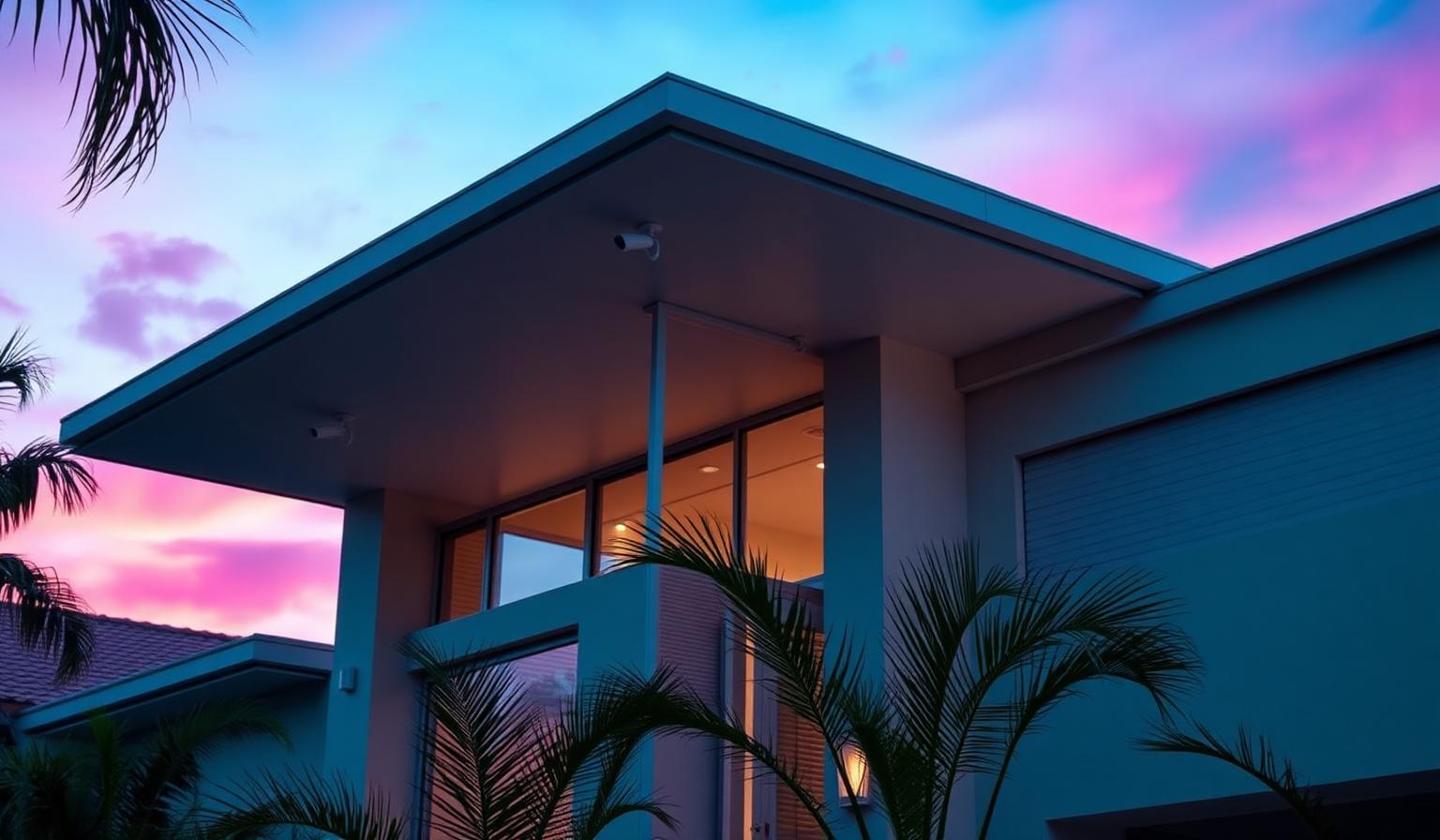
Miami is the third-most-burglarized metro in the United States in 2026, and Miami-Dade Police logged a 14% jump in residential break-ins between June and September of last year — the exact window of hurricane season. If you live in Brickell, Coral Gables, Coconut Grove, Pinecrest, Miami Beach, Aventura, Doral, or anywhere from Homestead to Hollywood, a properly installed camera system is no longer a luxury. It's the single highest-ROI security upgrade you can make to a South Florida home.
This is the same buyer's guide Cybrvault gives homeowners who book a consultation. No affiliate links, no upsells — just what works in Miami's heat, humidity, salt air, and storm season, and what to budget for in 2026.
How Much Does Security Camera Installation Cost in Miami in 2026?
Real 2026 Miami-Dade and Broward pricing, based on quotes Cybrvault sees clients bring in every week:
- DIY kit (Ring, Blink, Eufy, Reolink) — $300–$900 in equipment, $0 labor. Lifespan in Miami sun: 18–30 months.
- Professional 4-camera PoE install (Hikvision, Dahua, Lorex, Amcrest, Ubiquiti) — $1,200–$2,400 all-in. Lifespan: 7–10 years.
- Professional 8-camera install with NVR, 2TB storage, and UPS — $2,400–$4,800.
- High-end install (Avigilon, Axis, Verkada, license-plate capture at driveway, integration with alarm) — $6,000–$18,000. Standard in Indian Creek, Star Island, Cocoplum, Gables Estates.
- Permit fees (Miami-Dade or City of Miami low-voltage permit) — $85–$240 depending on scope.
- Monthly monitoring (optional) — $25–$60/mo. Self-monitoring is free if you're disciplined about notifications.
Hidden cost most installers won't quote: pulling Cat6 through a Miami CBS (concrete block) home with no attic access. Two-story 1960s Coral Gables houses regularly add $400–$900 in labor for fishing wire through stucco soffits. Ask for a fixed-price quote in writing, not time-and-materials.
The 4 Camera Zones Every Miami Home Needs (And the Order to Install Them)
If you only install four cameras, install these four — in this order. They cover the entry points that show up in 90%+ of Miami-Dade residential burglary reports.
1. Front Door (Doorbell or Eave-Mount, 8–10 ft High)
Catches package thieves, door-knock scammers, fake utility workers, and the pre-burglary 'casing' visit that happens 2–5 days before most break-ins. Mount high enough that someone can't reach up and spray-paint the lens — a documented tactic in Wynwood and Edgewater since 2024.
2. Driveway / Street View (License-Plate Capable)
A 4MP+ camera with a 6–12mm varifocal lens reading plates at 30–60 ft. This is the single most useful camera for MPD and MDPD investigators — they will pull this footage first. Cheap wide-angle cameras read plates at 8 ft and are useless past your mailbox.
3. Back Patio / Pool Deck
Sliding glass doors are the #1 forced-entry point in single-family Miami homes. A camera covering the rear deck deters the pry-bar entry and gives you evidence if it happens. Choose a model with color-night vision — pool lighting confuses standard IR.
4. Side Gate / AC Compressor Area
Copper theft from outdoor AC units is a multi-million-dollar problem in Miami-Dade. The side yard is also the staging area for burglars coming over the back fence from a neighbor's yard.
Cameras That Actually Survive a Miami Summer (And Ones That Don't)
Heat, UV, and salt air destroy cameras faster in Miami than almost anywhere else in the continental US. Two simple specs separate hardware that lasts from hardware that dies:
- IP rating: IP66 minimum. IP67 preferred for coastal homes (Miami Beach, Key Biscayne, Surfside, Sunny Isles, Fort Lauderdale beachfront).
- Operating temperature: must be rated to at least 122°F (50°C). A west- or south-facing stucco wall in Miami hits 140°F surface temperature in July.
- Housing material: aluminum > plastic. Plastic housings yellow, crack, and leak within two summers.
- Power-over-Ethernet > WiFi. WiFi cameras are jammable, drop offline in summer storms, and chew through batteries in 4–6 weeks of Miami heat.
Brands Cybrvault sees survive Miami long-term: Hikvision (ColorVu line), Dahua (Starlight), Amcrest IP series, Lorex PoE, Ubiquiti UniFi Protect, Reolink Duo PoE, Axis, and Verkada. Brands we see die early on Miami exteriors: Wyze (everything), Blink Outdoor (battery dies), Ring Stick Up Cam (housing yellows and cracks), Arlo Pro 3 (battery + WiFi reliability).
Hurricane-Proofing Your Camera System (The Part Most Installers Skip)
Wind isn't the problem — modern cameras handle 130+ mph easily when mounted correctly. The problems are power loss, internet loss, and water intrusion. Here's the Cybrvault hurricane-readiness checklist for Miami camera systems:
- UPS battery backup on the NVR, router, and PoE switch (CyberPower CP1500AVRLCD or APC Back-UPS Pro 1500, ~$200). Buys you 4–8 hours.
- Cellular failover on the router (T-Mobile Home Internet 5G backup, Starlink, or a Verizon LTE modem). Comcast Xfinity is typically down for 18–72 hours after a Cat 2.
- Cloud + local recording. Local NVR for the everyday footage, cloud clips for the critical events. If looters take the NVR, you still have evidence.
- Pre-storm: tilt cameras slightly downward and add a bead of dielectric grease at the cable gland. Stops driven rain from wicking up the Cat6.
- Post-storm: power-cycle the NVR before reconnecting to internet. PoE switches that come back online during a brownout sometimes fry camera ports.
Miami-Dade Permits, Insurance Discounts, and the Legal Stuff
Three things most Miami homeowners get wrong:
Low-Voltage Permits Are Required
Miami-Dade County and the City of Miami both require a low-voltage permit for any hardwired camera install on a single-family home (Chapter 8, Florida Building Code, and Miami-Dade County Code §8-11). The installer must hold an ET (Electrical–Specialty Low Voltage) license. Unpermitted work shows up during the next roof permit, homestead reinspection, or — worst case — a post-burglary insurance claim. Citizens Property Insurance has denied at least 200+ Miami-Dade claims in 2025 citing unpermitted security work.
Insurance Discounts You're Probably Leaving on the Table
Most Florida homeowner policies (Citizens, Universal, Heritage, Tower Hill, State Farm Florida) discount 2–10% for a monitored alarm + camera system. You must submit the alarm certificate AND a paid permit copy. Just installing the cameras doesn't trigger the discount — you have to mail the paperwork in.
Florida Audio Recording Law
Florida is a two-party (all-party) consent state for recording conversations under Florida Statute §934.03 — but courts have repeatedly held that audio recorded in plain view, outdoors, with a posted notice falls under a reasonable-expectation-of-privacy exception. Practical rule: post a visible 'Audio and video recording in use' sign at the front door and gate, and turn audio off on cameras pointing at a neighbor's yard or pool. Don't record audio inside common areas of a condo without HOA approval.
The 4 Camera Scams Hitting Miami Homeowners in 2026
- 1The unlicensed door-to-door installer. Knocks on doors in Coral Gables and Pinecrest, offers '$99 install,' uses unbranded cameras with no warranty, no permit, and a hardcoded admin password that's already on the Mirai botnet. Ask for the ET license number and verify it on the Florida DBPR site before signing anything.
- 2The 'free system with monitoring contract' bait. 60-month monitoring contracts at $59/mo with $400 early-termination fees. You pay $3,540 over five years for cameras that retail for $600.
- 3The Amazon counterfeit Hikvision/Dahua. Real Hikvision US-warranty cameras only sell through authorized distributors. The $89 'Hikvision' on Amazon is usually a gray-market unit with the firmware locked to China servers — actively blocked by the US NDAA on federal contracts and a privacy disaster on a home network.
- 4The 'we'll throw in the NVR for free' install. Free NVR is a 4-channel H.264 unit that maxes out at 1080p and fills its drive in 5 days. You'll be replacing it inside a year. Insist on H.265, at least 8 channels, and 4TB+ of surveillance-rated hard drive (WD Purple or Seagate SkyHawk).
DIY vs Professional Installation: When Each Makes Sense in Miami
DIY (Ring, Blink, Eufy, Reolink WiFi) makes sense if you rent, you'll move within 2 years, or the home is a condo where you can't run wires through walls. Expect to replace 1–2 cameras per summer.
Professional PoE installation makes sense if you own the home, plan to stay 5+ years, want footage that holds up in court, or your insurance requires it. The cost difference disappears the moment you file a single burglary claim or successfully prosecute a porch pirate — both of which we see every month with Cybrvault clients.
What a Good Miami Security Company Should Actually Do
Use this checklist when interviewing installers. If a company won't agree to all eight in writing, keep looking.
- Hold a current Florida ET (low-voltage) license and Miami-Dade certificate of competency.
- Pull the permit themselves — not ask you to pull it as a homeowner.
- Provide a written equipment list with model numbers (not 'a 4MP camera').
- Configure the cameras on an isolated VLAN, not your main home WiFi.
- Change every default password and disable UPnP, P2P, and cloud relay before leaving the site.
- Provide a printed network diagram and admin credentials in a sealed envelope.
- Offer a minimum 2-year warranty on labor and pass through the manufacturer warranty on equipment.
- Schedule a 90-day post-install tune-up (free) to verify night-vision settings and motion zones.
Cybrvault offers free 30-minute pre-install consultations across Miami-Dade and Broward — no obligation, no upsell. We'll review your floor plan, recommend camera placements, and tell you honestly whether a DIY kit fits your situation. Book one at /contact, or learn more about our Miami-specific services at /miami/home-security.
Bottom Line
A correctly installed camera system is the highest-ROI security upgrade for a Miami home in 2026. Budget $1,500–$2,500 for a quality 4-camera PoE install with permit, UPS backup, and cellular failover. Insist on IP66/122°F-rated hardware. Get the permit. Post the audio sign. Mail the certificate to your insurer. Do those five things and you'll outperform 95% of homes on your block — including the ones with bigger systems installed by the cheapest bidder.
Get the 10-step Cyber Hardening Checklist
The exact steps our Miami team uses to lock down people and small businesses — takes under an hour. Instant access, no call required.
// frequently asked
Questions teams ask us
How much does it cost to install security cameras on a house in Miami?+
Expect $1,200–$2,400 all-in for a professional 4-camera PoE install in Miami in 2026, including equipment, a Miami-Dade low-voltage permit, NVR, cabling, and labor. Eight-camera systems run $2,400–$4,800. DIY WiFi kits like Ring or Reolink cost $300–$900 but typically need 1–2 cameras replaced per summer due to heat and humidity.
Do I need a permit to install security cameras in Miami-Dade?+
Yes. Miami-Dade County and the City of Miami require a low-voltage permit for any hardwired camera install on a single-family home, and the installer must hold a Florida ET (Electrical–Specialty Low Voltage) license. Unpermitted installs frequently cause insurance claims to be denied after a break-in — Citizens, Universal, and Heritage all cite this in 2025–2026 denial letters.
Are wired or wireless cameras better for a Miami home?+
Wired (Power-over-Ethernet) for any camera that matters — front door, driveway, gate, back patio. WiFi cameras are jammable with a $40 deauther, drop offline during summer storms, and chew through batteries in 4–6 weeks of Miami heat. Use WiFi only for low-stakes interior or shed cameras, or when you can't legally run wire (condos, rentals).
Which security cameras hold up best in Miami's heat and humidity?+
Look for IP66 or higher and an operating-temperature ceiling of at least 122°F (50°C). Brands that hold up long-term on Miami exteriors include Hikvision ColorVu, Dahua Starlight, Amcrest IP, Lorex PoE, Ubiquiti UniFi Protect, Reolink Duo PoE, Axis, and Verkada. Wyze, Blink Outdoor, Ring Stick Up Cam, and Arlo Pro 3 commonly fail within 12–24 months on south- or west-facing walls.
Will my cameras still work during a hurricane power outage in Miami?+
Only if you add a UPS battery backup on the NVR, router, and PoE switch (a $200 CyberPower or APC unit buys you 4–8 hours), and cellular failover on the router (T-Mobile 5G, Starlink, or Verizon LTE). Without both, your cameras go dark the moment Florida Power & Light drops — which is exactly when looting risk spikes in Miami-Dade.
Is it legal to record audio on a security camera in Florida?+
Florida is an all-party-consent state for audio under Florida Statute §934.03, so audio recording is legally gray. The safe practice is to post a visible 'Audio and video recording in use' sign at the front door and gate, disable audio on cameras pointing at neighbors' yards or pools, and never record audio inside condo common areas without HOA approval. Video-only recording on your own property is unrestricted.
Does Cybrvault install security cameras in Miami?+
Cybrvault provides licensed, permitted security camera design, installation, and ongoing monitoring across Miami-Dade and Broward — Brickell, Downtown, Coral Gables, Coconut Grove, Pinecrest, Wynwood, Miami Beach, Aventura, Doral, Key Biscayne, and Fort Lauderdale. We pull the permit, isolate cameras on a dedicated VLAN, harden every default password, and provide a 2-year labor warranty. Book a free 30-minute consultation at /contact.
// miami, fl services
Cybersecurity built for South Florida
// need help applying this?
Book a free, confidential consultation.
Our engineers can map this to your environment in 30 minutes.
Get secured// keep reading
Related articles
Home Security
Home Security Systems in Miami: The 2026 Homeowner's Guide to Cameras, Alarms, Smart Locks & Cyber-Safe Setup
The 2026 Miami homeowner's guide to home security systems — how to pick cameras, alarms, smart locks and monitoring plans that actually work in South Florida's hurricane, condo and short-term-rental environment, plus the cybersecurity steps most installers skip that leave your Ring, Nest and Wi-Fi wide open.
Home Security
Home Cyber Security Services in Miami: 2026 Guide
Learn what professional home cyber security services protect, what a Miami residential assessment includes, and how to choose qualified help for your household.
Home Security
Home Network Security in 2026: How South Florida Homeowners Can Protect Their Homes From Cyber Attacks
A complete home network security guide for South Florida homeowners: how hackers get into home Wi-Fi, cameras, and smart devices, the exact settings to change today, hurricane-season considerations, and a weekend hardening checklist.
Under attack right now? Our 24/7 line responds immediately.