
Tools & Hardware
ThinkPad + Fedora: The Ultimate Cybersecurity Workstation (2026 Build Guide)
Lenovo ThinkPads paired with Fedora Linux are the unofficial standard for professional security work — Red Hat engineers, Linus Torvalds, and most kernel developers run this combo. Here's why, which ThinkPad to buy in 2026, and the exact setup for a cybersecurity workstation.
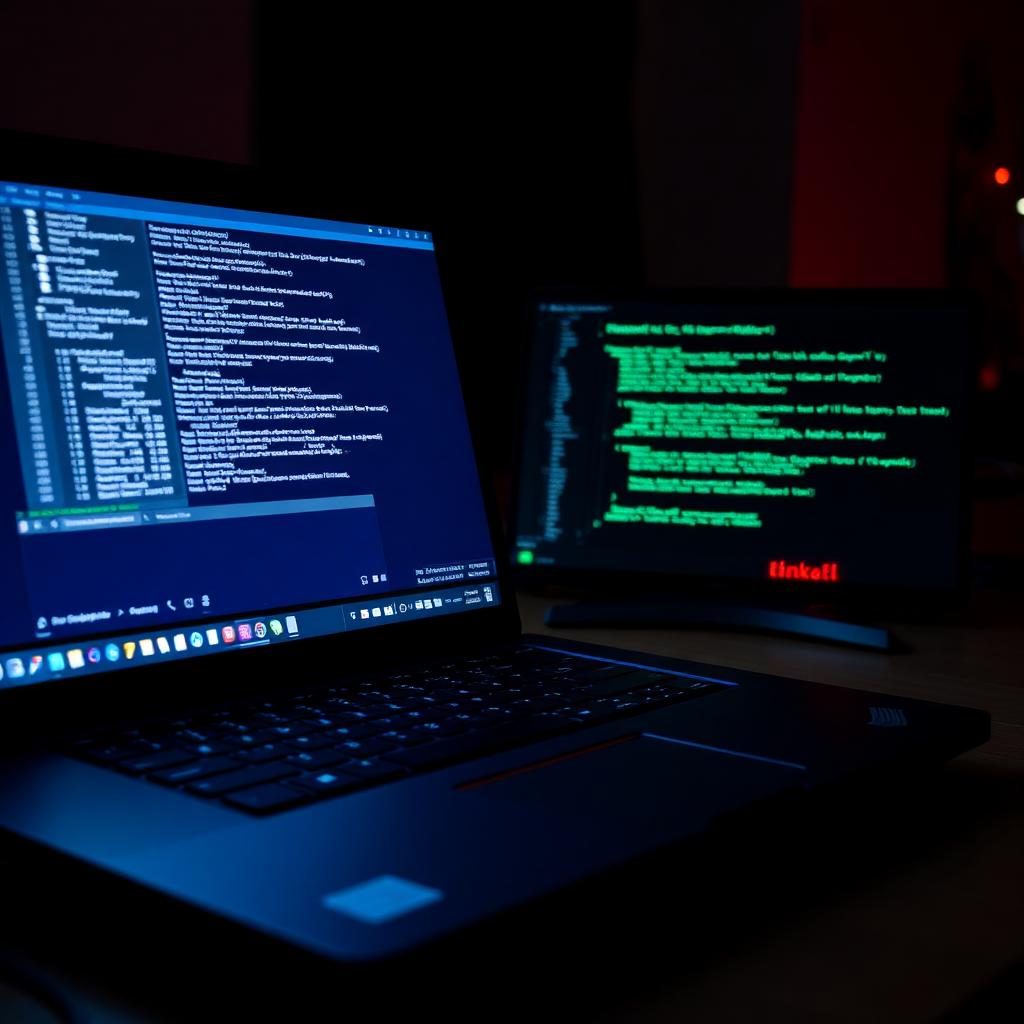
Walk into any Red Hat office, DEF CON village, or kernel-development meetup and you'll see ThinkPads running Fedora. There are reasons this combo has become the unofficial standard for serious security work — and reasons you should consider it too if you're building a 2026 cybersecurity workstation.
Why ThinkPads?
- Best Linux hardware compatibility in the industry — Lenovo certifies many models for Ubuntu and Fedora directly.
- Replaceable RAM, SSDs, and Wi-Fi cards on most T-series and P-series models.
- Hardware TPM 2.0, dTPM, and fingerprint readers that actually work on Linux.
- Spill-resistant keyboards, MIL-SPEC durability, 3-year warranty options.
- Resale value holds because of enterprise demand.
Why Fedora?
- Sponsored by Red Hat, with the latest stable kernel within weeks (currently 6.11+).
- SELinux enforcing by default — Mandatory Access Control out of the box.
- First distro to ship Wayland, PipeWire, and modern security primitives.
- Two-year-ahead preview of what eventually lands in RHEL — relevant for Red Hat enterprise work.
- Excellent secure-boot, TPM, and LUKS integration via Anaconda installer.
Best ThinkPads for Cybersecurity in 2026
1. ThinkPad T14 Gen 5 (AMD Ryzen 7 PRO 8840HS)
The sweet-spot pick. 14-inch matte display, 32 GB RAM upgradable, two NVMe slots, AMD GPU plays well with Linux out of the box. ~$1,400 configured.
2. ThinkPad X1 Carbon Gen 13
Premium ultralight. 14-inch OLED options, 2.42 lbs, Intel Core Ultra 7 with vPro. Best portability + business security features. ~$1,900.
3. ThinkPad P14s Gen 5 (Mobile Workstation)
Same chassis as T14 but with Nvidia RTX A500/A1000 dGPU and 64 GB RAM ceiling. Best for ML workloads, password cracking, and reverse engineering. ~$2,000.
4. ThinkPad X13 Gen 5
13-inch compact, perfect for travel and incident-response site visits. AMD or Intel options. ~$1,300.
The Setup (Fedora 41 Workstation)
- 1Download Fedora Workstation 41 from getfedora.org and write to USB with Fedora Media Writer.
- 2Boot into UEFI (F1 on most ThinkPads), enable Secure Boot, set Supervisor Password, enable TPM 2.0.
- 3Boot the USB, choose 'Install Fedora', and at the Storage step select 'Encrypt my data' (this is LUKS).
- 4First boot: Settings → Privacy → enable Screen Lock + Automatic Suspend.
- 5Run dnf upgrade --refresh, reboot.
- 6Install Flatpak from Flathub: flatpak remote-add --if-not-exists flathub https://flathub.org/repo/flathub.flatpakrepo
- 7Install GNOME Extensions: dnf install gnome-tweaks gnome-extensions-app
Security Workstation Add-Ons
- Toolbox + container-based pentest tools — toolbox create -i registry.fedoraproject.org/fedora-toolbox:41 lets you install BlackArch or custom tool sets in an isolated container without polluting the host.
- Wireshark, nmap, masscan, hashcat: all native dnf packages.
- Burp Suite Community Edition: Flatpak.
- Metasploit: dnf install metasploit-framework or run in toolbox.
- FireEye / Volatility for memory forensics: pip install in a venv.
- VS Code or Neovim with Codeium for AI-assisted code review.
Hardening Checklist
- BIOS Supervisor + Power-On password enabled.
- LUKS full-disk encryption (set during install).
- Secure Boot enforced.
- SELinux in Enforcing mode (default — leave it).
- Firewalld with default-deny inbound.
- Automatic security updates via dnf-automatic.
- YubiKey or Nitrokey 3 for SSH and PIV (sudo/login MFA).
- Browser hardening: Firefox with arkenfox user.js or LibreWolf.
Alternative: Fedora Security Lab
If you specifically want a pre-loaded pentest environment, the Fedora Security Lab spin ships with hundreds of security tools pre-installed (Nmap, Wireshark, Sqlmap, Aircrack-ng, John the Ripper, etc.) — like Kali, but with Fedora's security defaults. Get it from spins.fedoraproject.org.
For more 2026 hardware picks, see our best cybersecurity laptops guide and the best mini PCs for cybersecurity home labs.
Get the 10-step Cyber Hardening Checklist
The exact steps our Miami team uses to lock down people and small businesses — takes under an hour. Instant access, no call required.
// frequently asked
Questions teams ask us
Is Fedora better than Kali Linux for cybersecurity?+
Different purposes. Kali is a curated pentest distribution — install once, do an engagement, reimage. Fedora is a hardened general-purpose workstation OS that engineers use for daily work, with security tools added as needed (or via Fedora Security Lab). Most pros run Fedora as their daily driver and spin up Kali in a VM or container when needed.
Which ThinkPad is best for Linux in 2026?+
ThinkPad T14 Gen 5 (AMD Ryzen 7 PRO 8840HS) is the best price-to-performance for Linux — fully supported hardware, replaceable RAM and SSDs, 32 GB ceiling, ~$1,400. X1 Carbon Gen 13 is best for portability; P14s Gen 5 is best for ML and reverse-engineering workloads.
Does Fedora support Secure Boot and BitLocker-style encryption?+
Yes. Fedora's Anaconda installer fully supports Secure Boot and provides LUKS full-disk encryption (Linux equivalent of BitLocker) out of the box. Both should be enabled on any cybersecurity workstation.
Can I run Kali tools on Fedora?+
Yes, three ways: (1) install individual tools from Fedora repos (nmap, wireshark, metasploit-framework), (2) use toolbox to run a Kali container, or (3) install the Fedora Security Lab spin which pre-bundles hundreds of pentest tools.
// miami, fl services
Cybersecurity built for South Florida
// need help applying this?
Book a free, confidential consultation.
Our engineers can map this to your environment in 30 minutes.
Get secured// keep reading
Related articles

Personal Security
Best Cybersecurity Practices for Individuals: 2026 Guide
Follow a practical, prioritized personal cybersecurity checklist for safer accounts, devices, home Wi-Fi, finances, travel, family communications, and recovery.

Home Security
Home Cyber Security Services in Miami: 2026 Guide
Learn what professional home cyber security services protect, what a Miami residential assessment includes, and how to choose qualified help for your household.

Personal Security
Personal Cyber Security Services in Miami: 2026 Guide
A practical guide to personal cyber security services in Miami for individuals, families, executives, and professionals—including device, account, privacy, home network, and incident protection.
Under attack right now? Our 24/7 line responds immediately.