
Business Security
Business Network Security in 2026: How to Keep Your Miami Business Safe From Hackers
A practical, step-by-step business network security guide for Miami and South Florida companies: how attackers actually get in, the layered controls that stop them, what to budget, and a 30-day hardening plan you can start today.
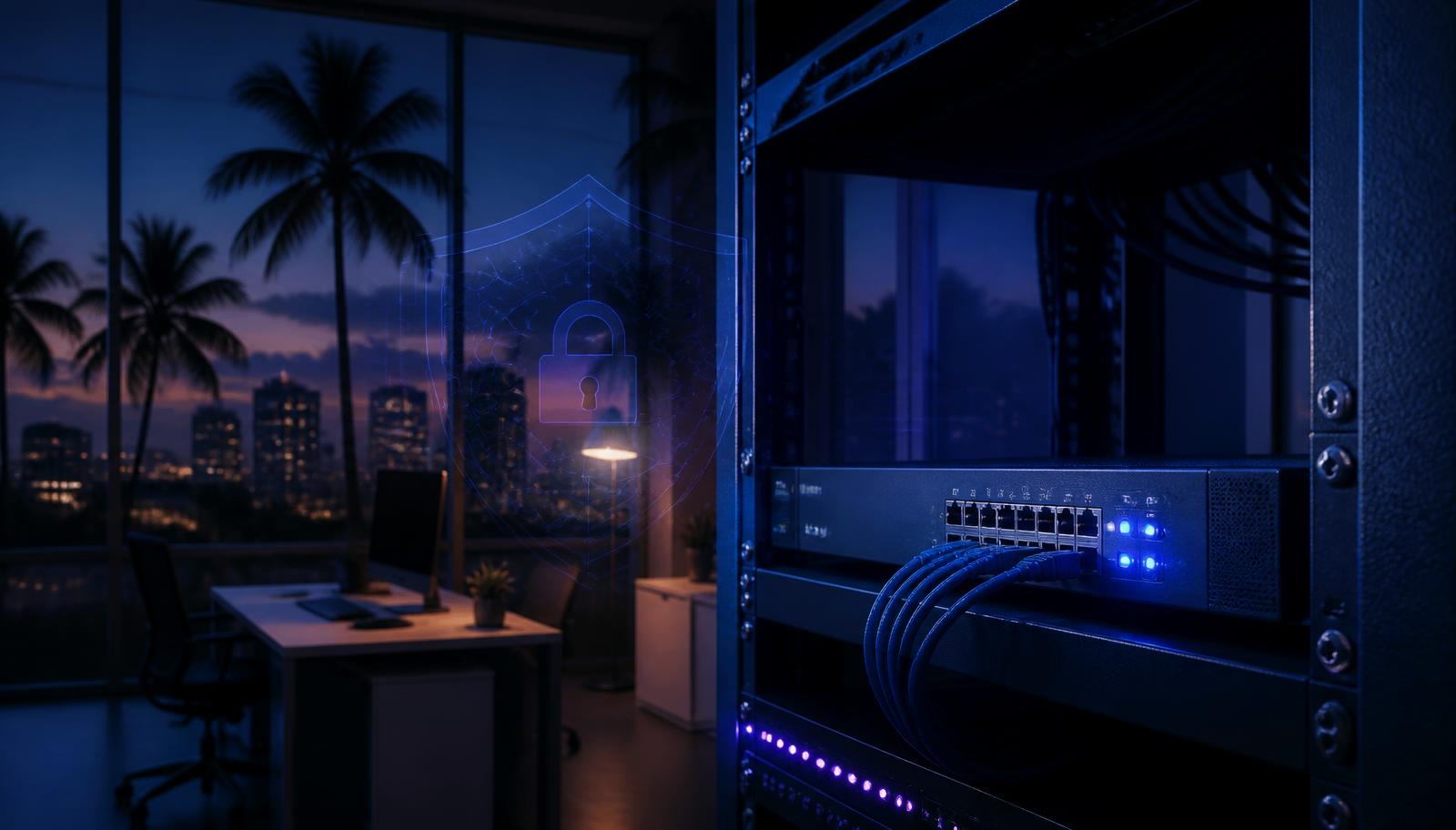
Ask a Miami business owner what stands between their company and a hacker and you'll usually hear one of two answers: 'we have a firewall from the internet company' or 'we're too small to be a target.' Both answers are how breaches happen. Attackers in 2026 don't hand-pick victims — they scan the entire internet for exposed remote-access ports, buy stolen employee passwords in bulk, and blast AI-written phishing at every address they can find. Being small doesn't make you invisible; it usually just makes you easier.
Business network security is the set of controls that keeps your company's data, money, and operations safe as traffic moves between the internet, your office, your cloud apps, and your employees' devices. This guide walks through exactly how attacks against South Florida businesses unfold, the layers that stop them, what each layer costs, and a 30-day plan to close the biggest gaps first.
How hackers actually get into a business network
Across the incident response work we do in Miami-Dade, Broward, and Palm Beach counties, nearly every intrusion we investigate starts with one of five entry points. Knowing them tells you where to spend first.
- 1Stolen or reused credentials — an employee's password shows up in a breach dump or a phishing kit, and the attacker simply logs in to Microsoft 365, the VPN, or the remote desktop server.
- 2Phishing and business email compromise — a convincing invoice or 'CEO wire request' email tricks staff into sending money or credentials.
- 3Exposed remote access — Remote Desktop (RDP), an old VPN appliance, or a management port left open to the internet and scanned within minutes of going live.
- 4Unpatched software and firmware — routers, firewalls, NAS boxes, and servers running versions with public exploits. Firmware is the one almost nobody updates.
- 5Third parties and IoT — a vendor's compromised account, or a cheap camera, smart TV, or thermostat on the same network as your finance computer.
Notice what's missing: nobody 'breaks through the firewall.' They walk through a door someone left open. Our breakdown of social engineering attack examples in Miami shows how convincing that first contact usually looks.
Layer 1: A real business firewall, configured properly
The router your ISP dropped off is a consumer device with business branding. A proper next-generation firewall (Fortinet, Sophos, Ubiquiti's higher-end gateways, Meraki, or pfSense/OPNsense if you have technical staff) gives you the things that matter: intrusion prevention, outbound content filtering, VPN with MFA, VLAN support, and logging you can actually review after an incident.
Configuration matters more than brand. At minimum: no management interface reachable from the internet, no port forwarding to RDP under any circumstance, geo-blocking for countries you never do business with, automatic firmware updates enabled, and default admin credentials replaced with unique passwords stored in a password manager.
Layer 2: Segment the network so one bad device can't reach everything
This is the single most under-used control in small business network security, and the one that turns a catastrophic breach into a contained annoyance. A flat network means the guest who joins your Wi-Fi, the smart TV in the lobby, and the laptop your bookkeeper uses all sit in the same room together. Segmentation puts walls between them.
A practical VLAN layout for a small or mid-sized Miami office:
- Guest — internet only, client isolation on, throttled bandwidth, no access to any internal resource. See our walkthrough on how to set up a guest Wi-Fi network.
- Staff — company laptops and phones, with access limited to the servers and printers they genuinely need.
- Point of sale / payments — isolated entirely; card data environments should touch nothing else.
- IoT and cameras — smart TVs, thermostats, access control, security cameras. Outbound internet only, no lateral access. A compromised camera is a common foothold; see what to do if your Ring camera is hacked.
- Management — switches, firewalls, and access points, reachable only from a specific admin machine or VPN.
Layer 3: Identity — MFA everywhere, always
Since most intrusions begin with a valid login, identity is your real perimeter in 2026. Enforce phishing-resistant multi-factor authentication (authenticator apps, passkeys, or hardware keys — not SMS) on email, VPN, remote desktop, accounting software, banking, and your cloud file storage. Turn on conditional access rules if you're on Microsoft 365 or Google Workspace so logins from unexpected countries are blocked outright.
Then handle the human side: remove accounts the same day someone leaves, give administrators separate day-to-day and admin accounts, and review who has access to financial systems every quarter. Most Miami companies we audit have at least one active account belonging to someone who left over a year ago.
Layer 4: Endpoints — protect the laptops, not just the office
Your network no longer stops at the office door. Staff work from Brickell condos, Wynwood coffee shops, and Fort Lauderdale airport lounges. Managed endpoint detection and response (EDR) — not free consumer antivirus — gives you the ability to see a compromise and isolate that machine remotely, wherever it is.
- Enable full-disk encryption (BitLocker on Windows, FileVault on Mac) — critical in a city with high vehicle break-in and laptop theft rates.
- Automate operating system and browser patching; 30 days is the outside limit for critical patches.
- Block or tightly control USB storage on finance and executive machines.
- Require a company VPN or zero-trust access for anything reaching internal systems from outside the office.
Layer 5: Email security, because that's where the money is lost
For most South Florida businesses — especially in real estate, title, construction, marine, and professional services — the largest single financial risk isn't ransomware. It's a wire fraud email. Attackers monitor a compromised mailbox quietly for weeks, learn how your deals close, then send perfectly timed 'updated wiring instructions' to a client or your accounting team.
- Publish and enforce SPF, DKIM, and DMARC so nobody can spoof your domain.
- Turn on advanced phishing and impersonation protection in Microsoft 365 or Google Workspace.
- Add an external-sender warning banner to inbound mail.
- Adopt a hard rule: no wire instruction — new or changed — is ever accepted without a callback to a known phone number.
- Alert on inbox rules that auto-forward or auto-delete mail; that's the classic sign of a hijacked mailbox.
Our deep dive on business email compromise in Miami covers the full playbook, including what to do in the first hour after a wire goes out.
Layer 6: Backups that actually survive an attack
Modern ransomware crews delete backups before they encrypt anything, so a backup drive plugged into the server isn't a backup — it's another target. Follow 3-2-1-1: three copies, on two types of media, one off-site, and one immutable or offline copy the attacker cannot alter even with domain admin rights.
In Miami there's a second reason to take this seriously: hurricane season. Your off-site copy should be outside the region or in cloud storage with versioning, and you should be able to restore critical systems without physical access to your office. Test a real restore at least twice a year — an untested backup is a hope, not a plan. For the ransomware-specific angle, read how to prevent ransomware in Miami.
Layer 7: Monitoring, logging, and knowing when something is wrong
The average intrusion goes unnoticed for weeks. Centralize logs from your firewall, servers, and cloud identity provider, and set alerts for the events that matter: impossible-travel logins, new admin accounts, mass file access or deletion, disabled security tools, and after-hours VPN sessions. Small businesses can get this through a managed detection and response (MDR) service far more cheaply than building it in-house — that's a core part of managed IT services in Miami.
Pair monitoring with dark web monitoring so you learn about leaked employee credentials before an attacker uses them.
Layer 8: Your people
Security awareness training works when it's short, frequent, and specific to the scams your industry actually sees. Run simulated phishing quarterly, celebrate the people who report suspicious mail instead of punishing those who click, and make sure everyone knows the single most important rule: when in doubt, verify by phone. Give staff one clear channel to report something odd, and make reporting fast — minutes matter.
What business network security costs in Miami
Budgets vary by size and industry, but for planning purposes most South Florida small businesses land in these ranges. Roughly 3-7% of overall IT spend on security is a common benchmark for companies under 100 employees.
- Next-gen firewall (hardware plus first-year licensing): $800-$3,500 for a typical office.
- Managed EDR: about $6-$15 per device per month.
- Email security add-ons: about $3-$8 per user per month.
- Managed detection and response / SOC monitoring: roughly $15-$40 per user per month.
- Cloud backup with immutability: $50-$400 per month depending on data volume.
- Annual network security audit or penetration test: typically $3,500-$15,000 depending on scope.
Weigh that against a breach. Between wire fraud losses, downtime, forensics, client notification under Florida's breach law, and reputational damage, a single serious incident routinely runs six figures for a small company. Many businesses also pair these controls with a policy — see our guide to cyber insurance for small business, since insurers now require MFA, EDR, and tested backups before they'll write coverage.
Miami-specific risks worth planning for
- Hurricane and power events — plan for offsite failover, UPS protection on network gear, and remote-work continuity in June through November.
- International wire volume — Miami's trade, marine, and real estate sectors move large cross-border payments, which makes local companies prime BEC targets.
- High tourist and visitor traffic — retail, hospitality, and clinics run busy guest networks that must be genuinely isolated.
- Rapid seasonal hiring — onboarding and offboarding discipline slips during season; automate account provisioning and removal.
- Multilingual phishing — attackers target South Florida with fluent Spanish and Portuguese lures; train staff in the languages they actually work in.
A 30-day network hardening plan
Week 1 — Close the open doors
- 1Scan your public IP addresses and shut down any exposed RDP, management interface, or forgotten service.
- 2Change every default password on firewalls, switches, access points, cameras, and NAS devices.
- 3Enforce MFA on email, VPN, banking, and accounting for every single user, including owners.
- 4Disable accounts for anyone who no longer works there.
Week 2 — Patch and protect endpoints
- 1Deploy managed endpoint protection to every company laptop, desktop, and server.
- 2Turn on automatic OS, browser, and firmware updates — including on the firewall and access points.
- 3Enable full-disk encryption on every portable device.
- 4Inventory what's actually on your network; you can't protect devices you don't know about.
Week 3 — Segment and secure email
- 1Create separate guest, staff, payments, and IoT networks, and verify isolation by testing it.
- 2Configure SPF, DKIM, and DMARC, and enable impersonation protection.
- 3Add external-sender banners and alert on suspicious mailbox forwarding rules.
- 4Write down and circulate your callback rule for any payment or wire instruction.
Week 4 — Backups, monitoring, and people
- 1Set up 3-2-1-1 backups with one immutable copy, then perform a real test restore.
- 2Turn on centralized logging and alerts, or engage a monitoring service.
- 3Run your first simulated phishing test and a 20-minute staff training session.
- 4Write a one-page incident response plan: who to call, in what order, with contact numbers printed on paper.
How to verify it all actually works
Configuration on paper isn't protection. Once the plan above is in place, validate it: run an external vulnerability scan monthly, an internal network audit annually, and a penetration test if you handle sensitive client data, payments, or regulated information. A tester will find the forgotten VLAN rule, the service account with a 2019 password, and the printer quietly exposing credentials — before someone else does.
If you'd rather not manage this in-house, Cybrvault provides network security assessments, ongoing monitoring, and remediation for businesses across Miami, Fort Lauderdale, Boca Raton, and the Keys. You can also start with our free AI-powered website security scan on the homepage, or read the broader guide to cybersecurity solutions for business.
The bottom line
Business network security isn't one product — it's layers that each assume the layer before it might fail. Lock down identity, segment your network, patch relentlessly, secure email, keep backups the attacker can't touch, and watch for the signals. Do those six things and you're already ahead of the overwhelming majority of Miami businesses that hackers find easy work.
Get the 10-step Cyber Hardening Checklist
The exact steps our Miami team uses to lock down people and small businesses — takes under an hour. Instant access, no call required.
// frequently asked
Questions teams ask us
What is business network security?+
Business network security is the combined set of technology, configuration, and process controls that protect a company's network, devices, and data from unauthorized access. In practice it includes a properly configured firewall, network segmentation, multi-factor authentication, endpoint protection, email security, backups, and monitoring — layered so that the failure of any one control doesn't expose the whole business.
How much should a small business in Miami spend on network security?+
Most small businesses spend roughly 3-7% of their total IT budget on security. For a 20-person Miami company, that typically means $800-$3,500 for a next-gen firewall, about $6-$15 per device monthly for managed endpoint protection, $15-$40 per user monthly for monitoring, and an annual audit or penetration test starting around $3,500. Many of the highest-impact controls, such as enforcing multi-factor authentication and segmenting Wi-Fi, cost only configuration time.
Is my ISP router enough to protect my business?+
No. Routers supplied by internet providers lack intrusion prevention, VLAN segmentation, meaningful logging, content filtering, and secure VPN with MFA. They also receive firmware updates slowly. A business-grade firewall with those capabilities, properly configured, is a foundational requirement for any company handling client data or payments.
What is network segmentation and why does a small business need it?+
Segmentation splits one network into isolated zones — guest, staff, payments, and IoT devices such as cameras and smart TVs — so a compromised device in one zone cannot reach the others. It's the difference between a hacked lobby TV being a nuisance and being the path to your accounting server. Most business firewalls and access points support this through VLANs at no extra licensing cost.
What's the biggest cybersecurity risk for South Florida businesses?+
Business email compromise. Miami's real estate, title, marine, trade, and professional services sectors move large payments, and attackers quietly monitor hijacked mailboxes to send perfectly timed fraudulent wiring instructions. Enforcing multi-factor authentication on email and requiring a phone callback to a known number before any payment change prevents the vast majority of these losses.
How often should a business test its network security?+
Run external vulnerability scans monthly, review user access and firewall rules quarterly, and perform a full network security audit or penetration test annually — or after any major change such as an office move, a new cloud platform, or a merger. Backups should be test-restored at least twice a year.
Do small businesses really get targeted by hackers?+
Yes. Most attacks are automated and opportunistic: scanners find exposed services within minutes, and stolen credentials are tested in bulk against thousands of companies at once. Attackers do not check your revenue before trying the door. Smaller companies are often hit harder because they lack monitoring and tested backups.
// miami, fl services
Cybersecurity built for South Florida
// need help applying this?
Book a free, confidential consultation.
Our engineers can map this to your environment in 30 minutes.
Get secured// keep reading
Related articles

Business Security
Cyber Insurance for Small Business (2026): The Miami Owner's Guide to Coverage, Costs & Claims
Cyber insurance is now the difference between a bad week and a closed business for Miami small companies. Here is what policies actually cover in 2026, what underwriters demand before they will quote you, what a claim really looks like after a ransomware hit, and how much coverage a South Florida business should carry.

Business Security
How to Prevent Phishing Attacks (2026): The South Florida Business & Family Guide
Phishing is the entry point for the overwhelming majority of breaches we investigate across Miami, Fort Lauderdale and West Palm Beach. Here is how modern phishing actually works in 2026, the 21 controls that stop it, and the exact 60-minute response plan to run when someone clicks.
Business Security
Cybersecurity Solutions for Business (2026): The Complete Buyer's Guide to Tools, Frameworks & Managed Services
A no-fluff 2026 guide to cybersecurity solutions for business — what to buy, in what order, at what price, and how to align it all to the NIST Cybersecurity Framework 2.0. Written by Cybrvault engineers who deploy this stack for Miami businesses every week.
Under attack right now? Our 24/7 line responds immediately.