
Home Security
Home Cyber Security Services in Miami: 2026 Guide
Learn what professional home cyber security services protect, what a Miami residential assessment includes, and how to choose qualified help for your household.
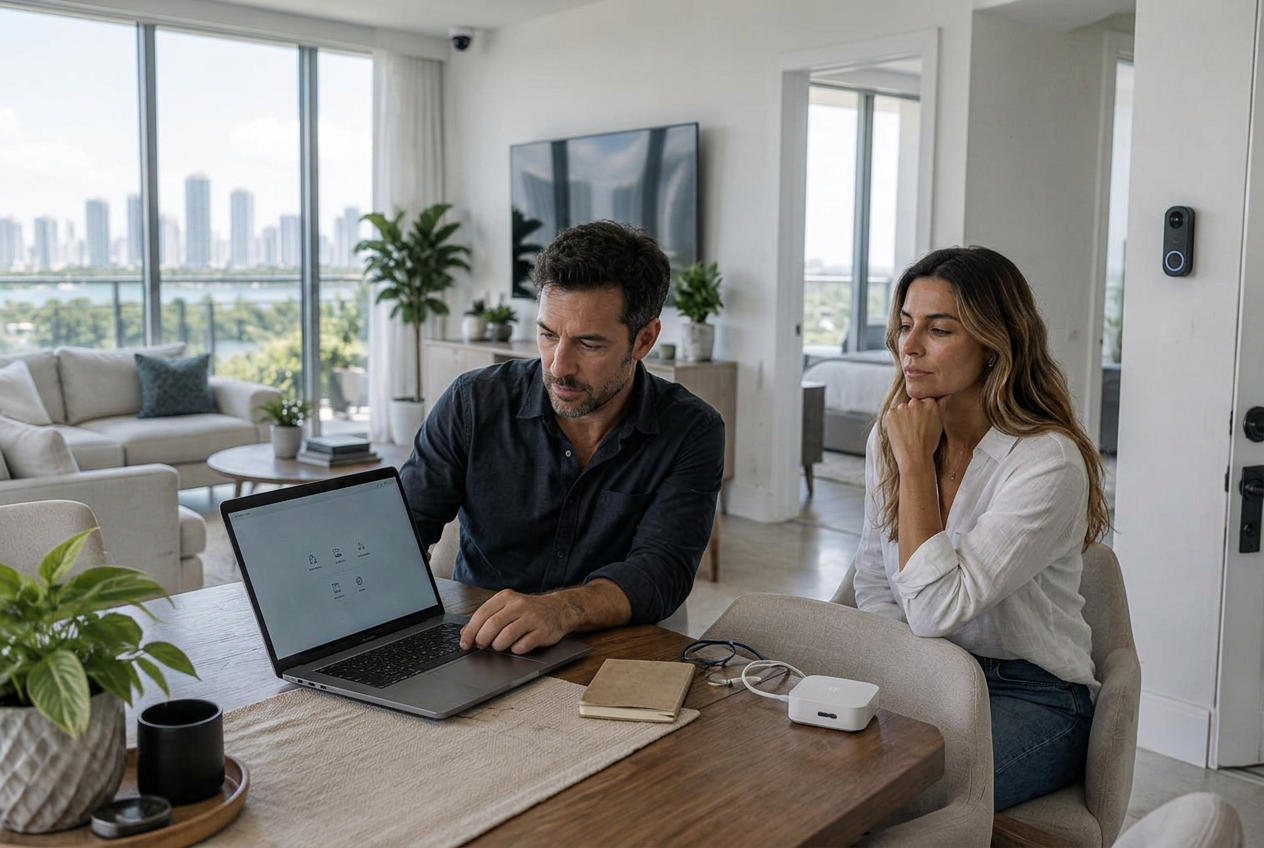
Home cyber security services help residents identify and reduce risks across the technology that supports everyday life. That includes more than a wireless router. A modern household may depend on primary email accounts, phones, laptops, cloud photo libraries, financial applications, cameras, smart locks, televisions, voice assistants, alarm systems, thermostats, home offices, and devices used by children or guests. These systems share accounts, recovery methods, networks, and trusted relationships, so one weak point can affect much more than one gadget.
For Miami homeowners searching for professional help, the useful question is not whether a company can install security software. It is whether the provider can understand the whole residential environment, explain the most important risks in plain language, make authorized improvements without disrupting daily life, and leave the household better prepared to detect and recover from a problem. This guide explains what a complete residential cybersecurity engagement should include, what you can handle yourself, and how to compare providers.
What are home cyber security services?
Home cyber security services are professional assessments, configuration changes, protection measures, and support designed for a residence and the people who use its technology. The work may cover the home network, personal devices, cloud accounts, smart-home systems, privacy exposure, family procedures, remote-work boundaries, monitoring, and incident response. The exact scope should follow the household's actual risks rather than a one-size-fits-all bundle.
A home service differs from ordinary technical support. Technical support usually focuses on making a device or connection work. Cybersecurity asks what could be abused, who still has access, how identities can be recovered, whether sensitive systems are unnecessarily connected, what evidence exists if something goes wrong, and how the household will respond. It also differs from identity monitoring, which may alert you to selected exposures but does not harden the router, remove stale camera users, secure account recovery, or separate a work computer from less-trusted devices.
What a professional Miami home cybersecurity assessment should cover
1. Discovery, priorities, and written authorization
The engagement should start with a confidential conversation about the property, residents, devices, concerns, and consequences that matter most. A family worried about a compromised camera needs a different plan from a remote executive protecting client work, a seasonal resident managing a vacant property, or someone responding to harassment. The provider should document which networks, accounts, and devices may be reviewed and which are outside scope. No testing should extend to a building network, employer system, tenant device, or third-party account without the owner's permission.
2. Network and connected-device inventory
You cannot protect devices nobody remembers. A residential review should identify the internet modem or gateway, routers, wireless access points, network extenders, computers, phones, tablets, printers, storage devices, televisions, game consoles, cameras, doorbells, locks, garage controls, appliances, solar or battery equipment, and other connected systems. The goal is not to collect unnecessary personal data. It is to determine what is present, what controls it, whether it is supported, and what should communicate with what.
3. Router, Wi-Fi, and remote administration review
The router is a central control point, but brand-new hardware is not automatically secure. A technician should review administrator credentials, firmware, wireless encryption, WPS, UPnP, remote-management features, DNS configuration, internet-facing services, logs, backups, guest access, and the provider's account portal. Unsupported hardware or equipment that cannot receive security updates may need replacement. Homeowners who want a self-service starting point can use our South Florida home network security guide, while a professional service should verify the result rather than assume a setting saved correctly.
4. Network separation for work, family, guests, and smart devices
A flat network allows many devices to discover and communicate with one another. Where the equipment supports it, a residential design can separate trusted computers, home-office systems, smart-home devices, cameras, and guest devices. The design must remain practical: phones may need to control speakers or televisions, and installers may need limited access to certain equipment. Good segmentation follows required communication paths instead of breaking everything and calling it secure.
5. Camera, lock, alarm, and smart-home access
Residential cybersecurity should review who can see feeds, unlock doors, receive alerts, change settings, or invite another user. Old installers, former household members, prior property managers, and unused shared accounts may retain access long after it is needed. The review should cover account authentication, recovery methods, shared-user lists, device updates, privacy settings, retention choices, integrations, and safe removal of stale access. Our smart-home security guide provides a device-focused companion checklist.
6. Computers, phones, tablets, and backups
A household assessment should verify that important devices receive operating-system and application updates, use encryption and secure screen locks, have appropriate malware protection, and back up irreplaceable information. It should also review unnecessary administrator accounts, risky browser extensions, unknown management profiles, file-sharing settings, and remote-control software. A backup is only useful when the household knows what it contains, who can access it, and how to restore from it.
7. Email, cloud identity, passwords, and recovery
The primary email, Apple or Google identity, password manager, and mobile number often control recovery for many other services. These deserve priority over low-impact entertainment accounts. A provider may help review active sessions, trusted devices, forwarding rules, recovery addresses, authentication methods, passkey availability, password reuse, saved recovery codes, and carrier account protections. Changes should be made with the account owner present whenever possible, and the provider should never retain the household's master password or recovery secrets.
8. Family practices and verification procedures
Technology cannot decide whether an urgent text from a relative is real. Every household needs a simple method for verifying unexpected money requests, account alerts, delivery notices, password resets, and calls claiming to come from a bank, carrier, vendor, or family member. Children, older relatives, caregivers, and staff should know how to pause and ask for help without fear of blame. A short, repeatable verification procedure is more useful than a long policy nobody remembers.
9. Findings, remediation, and a recovery plan
The final result should not be a dramatic list of technical warnings. It should distinguish urgent problems from reasonable improvements, identify the owner of each action, record what was changed, note anything intentionally accepted, and explain what to do if a priority account or device is compromised. Homeowners should receive an inventory or summary appropriate to the engagement, a prioritized remediation list, secure configuration notes, and clear support boundaries. Sensitive credentials should not appear in the report.
Miami and South Florida home cybersecurity considerations
Miami homes have varied technology and living arrangements, from apartments and high-rise condos to single-family homes, seasonal residences, and properties supported by several vendors. Local context changes the questions a provider should ask, but it does not justify exaggerated claims or fear-based selling.
- Condo and apartment residents should distinguish equipment they control from building-managed internet, access-control, intercom, and camera systems.
- Seasonal homes need a plan for secure remote access, alert handling, supported equipment, power recovery, vendor access, and changes made while the owner is away.
- Household staff, property managers, contractors, and guests should receive only the access they need, with a documented process for removing it promptly.
- Hurricane preparation should include protected backups, safe shutdown and restart procedures, surge protection, current emergency contacts, and a plan for devices that return online after an outage.
- Remote workers should keep employer-managed devices and sensitive work separate from guest and smart-home traffic, following the employer's security requirements.
- Frequent travelers should review device-tracking, account-recovery, carrier, public Wi-Fi, and property-monitoring procedures before leaving home.
- Residents with public-facing careers or elevated privacy concerns may need coordinated personal cyber security services beyond the residence itself.
When is professional home cybersecurity help worth it?
Many households can make meaningful improvements themselves: update devices, secure the primary email account, enable strong authentication, replace reused passwords, review router settings, remove unknown users, and maintain tested backups. Professional help becomes more valuable when the environment is complex, the consequences are high, warning signs are present, or nobody in the household can confidently verify the setup.
- You have many connected systems, multiple wireless networks, a home office, or equipment installed by several vendors.
- A camera, email account, phone number, cloud account, or financial account may already be compromised.
- The property is vacant part of the year or must be managed remotely.
- Several family members, guests, caregivers, staff, or contractors need different levels of access.
- A resident is an executive, attorney, physician, public figure, business owner, journalist, investor, or otherwise exposed to targeted scams or sensitive information.
- The household has experienced stalking, harassment, identity theft, repeated password resets, SIM swapping, unexplained device behavior, or fraudulent transfers.
- You need an independent review after a major renovation, smart-home installation, move, separation, staff change, or security incident.
"The purpose of a residential assessment is not to make every device equally complicated. It is to protect the systems with the greatest consequences and make safe behavior easier for the people who live there."— Cybrvault Cybersecurity
What should happen during a home cybersecurity engagement?
- 1Private intake: discuss the property, residents, technology, concerns, prior incidents, remote access, and the outcomes you need.
- 2Written scope: confirm authorized networks, accounts, devices, locations, exclusions, privacy handling, scheduling, and emergency contacts.
- 3Inventory and assessment: identify systems, inspect relevant configurations, document access relationships, and look for unsupported or exposed technology.
- 4Risk prioritization: rank findings by possible harm, likelihood, ease of exploitation, and the household's actual priorities.
- 5Authorized remediation: apply agreed updates, account changes, network separation, access cleanup, and protective controls with minimal disruption.
- 6Verification: confirm that important services, automations, cameras, work systems, and recovery methods still function as intended.
- 7Handover: provide a clear summary of findings, completed changes, remaining actions, ownership, and incident procedures without exposing secrets.
- 8Follow-up: review unresolved issues and decide whether periodic checkups, monitoring, privacy support, or incident-response availability are appropriate.
How to choose a residential cybersecurity provider
A trustworthy provider should be able to explain the service without hiding behind jargon. Before granting access to a home, network, account, or device, ask what the company will inspect, what it will change, what information it records, how it protects reports, whether subcontractors are involved, and what happens if evidence of an active incident appears.
- Does the provider define written authorization and avoid touching third-party systems outside the agreed scope?
- Will you receive a prioritized report or handover record rather than only a verbal assurance?
- Can the provider explain which work is assessment, remediation, monitoring, technical support, or forensic investigation?
- Does it minimize access to personal files and credentials and explain how sensitive information is handled and deleted?
- Will technicians disclose any persistent remote access, management tools, subscriptions, or hardware dependencies before installation?
- Are pricing, travel, equipment, follow-up, cancellation, and emergency-support terms clear before work begins?
- Can the provider coordinate appropriately with your internet provider, smart-home installer, employer, attorney, insurer, or physical-security team when authorized?
Warning signs to avoid
- Claims that one appliance, app, scan, or antivirus product makes the entire household impossible to hack.
- Requests for master passwords, recovery codes, or unrestricted access without a documented reason and secure process.
- Offers to access another person's account, phone, camera, or messages without clear legal authority and consent.
- Fear-based claims presented without evidence, especially demands for immediate payment or unnecessary replacement of every device.
- No written scope, no record of changes, unclear data handling, or hidden remote-management software.
- A generic business checklist applied to a family without accounting for usability, privacy, guests, children, travel, or household routines.
Prepare for a residential cybersecurity visit
Preparation makes an assessment more accurate and reduces disruption. Do not send passwords or recovery codes in advance. Instead, gather information that helps the provider understand the environment and arrange for the appropriate account owners to be available.
- List residents, regular guests, staff, property managers, and vendors who use technology or have remote access.
- Locate internet-provider equipment, routers, access points, switches, storage devices, camera recorders, alarm panels, and smart-home hubs.
- Record the brands and approximate ages of important equipment without sharing passwords.
- Note suspicious events, dates, alert messages, account changes, outages, or unexplained device behavior; preserve original evidence when an incident may be active.
- Identify the primary email, mobile carrier, cloud identities, camera platform, alarm platform, and backup services used by the household.
- Confirm which employer-managed, building-managed, rental, or third-party systems are outside your authority.
- Write down the household's highest-priority concerns and any times when internet, cameras, locks, medical devices, or work systems cannot be interrupted.
If you think your home technology is compromised now
Use a separate trusted device to contact the relevant provider or qualified incident responder. If there is an immediate physical danger, contact emergency services. Avoid confronting a suspected person through a device they may monitor, and do not factory-reset equipment when evidence could matter to law enforcement, an attorney, an insurer, or a forensic investigation. Record what you observed, when it happened, which accounts or devices were involved, and what alerts you received. Change critical credentials only from a device you reasonably trust, beginning with the account that controls recovery for other accounts.
A network issue, account takeover, intimate-partner surveillance concern, financial fraud, and compromised camera each require a different response. Cybrvault's Investigation service can help establish an appropriate evidence and response path, while the home security assessment guide explains the difference between a preventive review and incident-driven work.
Cybrvault home cybersecurity services in Miami
Cybrvault helps Miami and South Florida residents reduce digital risk across homes, devices, accounts, privacy, and connected systems. An engagement is scoped around the household's actual technology and concerns, with authorized work, prioritized recommendations, practical remediation, and clear next steps.
- Miami Home Security — on-site Wi-Fi, router, smart-home, camera, access, and family-device hardening.
- Personal Security — coordinated protection for personal accounts, devices, identity, privacy, travel, and family risk.
- Cybersecurity — risk assessment and layered protection for more complex home-office and connected environments.
- 24/7 Monitoring — ongoing visibility and response support where continuous monitoring fits the environment.
- OSINT — authorized review of public digital exposure that can support targeted scams, impersonation, or harassment.
- Investigation — structured support when compromise, fraud, unauthorized access, or evidence concerns are already present.
- Book a confidential consultation — discuss your Miami residence, concerns, and appropriate next step with Cybrvault.
Effective home cybersecurity should be quiet, understandable, and maintainable. The goal is not a house full of security products. It is a household that knows what it depends on, limits unnecessary access, protects the systems that can unlock everything else, and has a practiced plan for suspicious activity.
Get the 10-step Cyber Hardening Checklist
The exact steps our Miami team uses to lock down people and small businesses — takes under an hour. Instant access, no call required.
// frequently asked
Questions teams ask us
What do home cyber security services include?+
Services may include a residential risk assessment, connected-device inventory, router and Wi-Fi hardening, network separation, camera and smart-home access review, computer and phone security, account and recovery protection, backups, family coaching, remediation, monitoring, and incident planning. The scope should match the property, household, technology, and risk.
How is a home cybersecurity service different from regular IT support?+
IT support usually restores function or installs technology. Home cybersecurity focuses on reducing unauthorized access, protecting identities and data, limiting what compromised devices can reach, reviewing who has access, preserving evidence when needed, and preparing the household to detect and recover from incidents. A qualified provider may offer both, but should distinguish them clearly.
Can a cybersecurity professional secure my smart home and cameras?+
Yes. With the owner's authorization, a professional can review device accounts, shared users, authentication, updates, network placement, remote access, privacy settings, integrations, and recovery methods. Some building-managed or vendor-managed systems may require coordination with the responsible third party rather than direct changes.
Do I need to replace my router for better home cybersecurity?+
Not always. A supported router with current firmware, secure administration, modern Wi-Fi encryption, safe remote-access settings, and appropriate network separation may be adequate. Replacement is more likely when equipment is unsupported, cannot receive security updates, lacks required controls, or is unreliable. An assessment should explain why replacement is recommended.
How often should a Miami home have a cybersecurity assessment?+
A yearly review is a reasonable baseline for a complex household, with additional reviews after a move, major smart-home installation, staff or vendor change, new home-office setup, extended vacancy, suspected incident, or replacement of critical network equipment. Updates and urgent access changes should be handled when needed rather than waiting for an annual visit.
Can home cybersecurity protect a remote worker's business data?+
It can reduce household risks by improving Wi-Fi security, separating work equipment from guest and smart-home devices, securing personal accounts that could affect work, and coordinating with employer requirements. The provider should not inspect or test employer-owned systems without the employer's authorization.
What should I receive after a residential cybersecurity assessment?+
Expect a clear summary of scope, important findings, risk priorities, completed changes, remaining actions, responsible owners, and recovery steps. Depending on the engagement, you may also receive a device inventory, network diagram, configuration record, or monitoring plan. Reports should avoid exposing passwords and recovery secrets.
Does Cybrvault provide home cybersecurity services outside Miami?+
Cybrvault serves Miami and South Florida with local support and can provide appropriate remote services elsewhere in the United States. On-site availability, timing, and the work that can be performed remotely depend on location, scope, equipment, and whether an active incident is involved.
// miami, fl services
Cybersecurity built for South Florida
// need help applying this?
Book a free, confidential consultation.
Our engineers can map this to your environment in 30 minutes.
Get secured// keep reading
Related articles
Home Security
Home Network Security in 2026: How South Florida Homeowners Can Protect Their Homes From Cyber Attacks
A complete home network security guide for South Florida homeowners: how hackers get into home Wi-Fi, cameras, and smart devices, the exact settings to change today, hurricane-season considerations, and a weekend hardening checklist.
Home Security
Home Security Systems in Miami: The 2026 Homeowner's Guide to Cameras, Alarms, Smart Locks & Cyber-Safe Setup
The 2026 Miami homeowner's guide to home security systems — how to pick cameras, alarms, smart locks and monitoring plans that actually work in South Florida's hurricane, condo and short-term-rental environment, plus the cybersecurity steps most installers skip that leave your Ring, Nest and Wi-Fi wide open.

Home Security
How to Know If Your Home Wi-Fi Is Hacked in 2026: 12 Warning Signs Every Miami Homeowner Should Watch For
Worried your home Wi-Fi is hacked? Learn the 12 clearest warning signs a hacker is on your network in 2026 — from mystery devices and slow speeds to DNS changes and rogue smart-home traffic — plus a step-by-step Miami homeowner's playbook to kick them off and lock your router down for good.
Under attack right now? Our 24/7 line responds immediately.