
Home Security
Home Network Security in 2026: How South Florida Homeowners Can Protect Their Homes From Cyber Attacks
A complete home network security guide for South Florida homeowners: how hackers get into home Wi-Fi, cameras, and smart devices, the exact settings to change today, hurricane-season considerations, and a weekend hardening checklist.
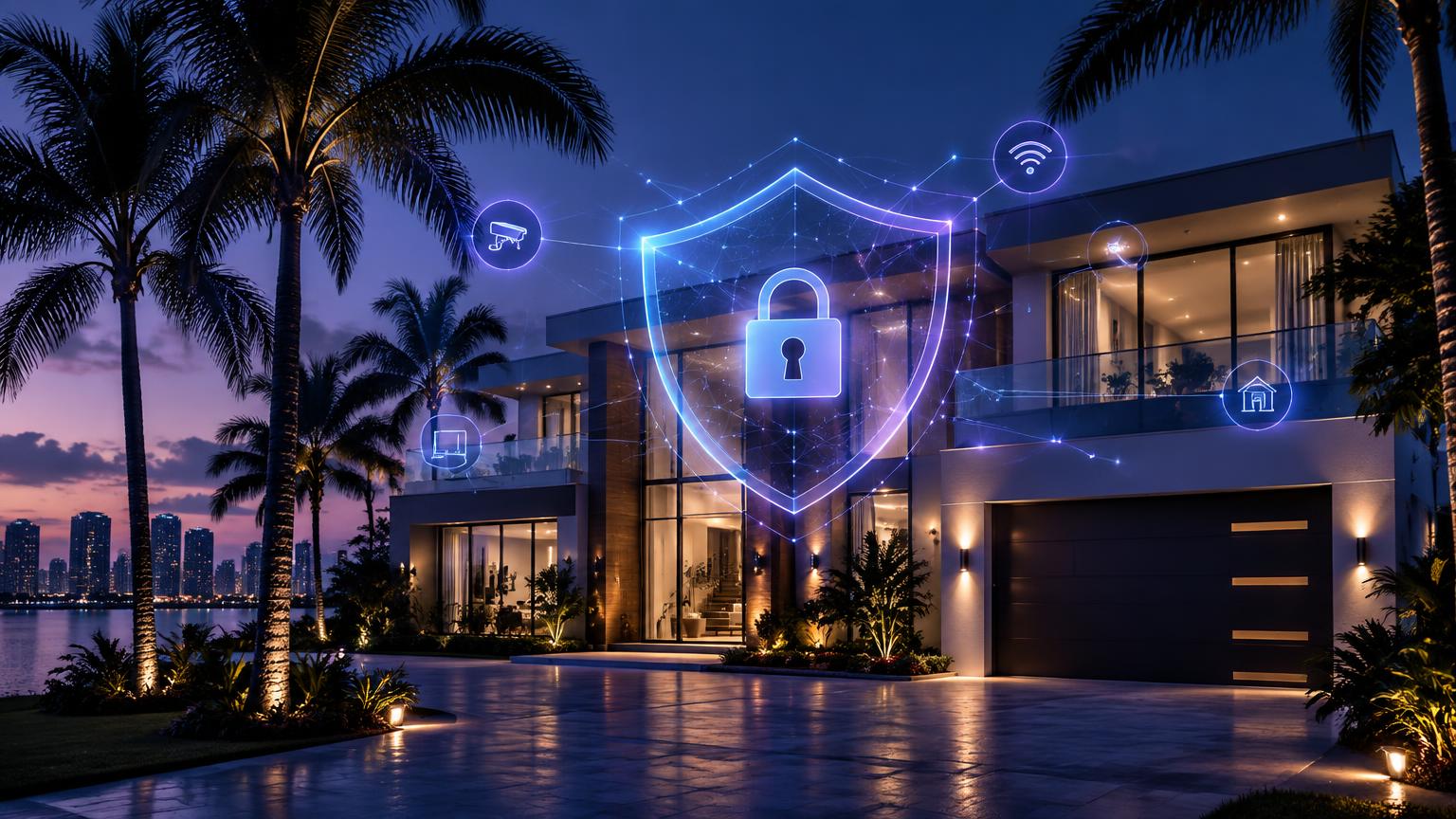
A South Florida home in 2026 is a small network operations center. A typical house in Miami-Dade, Broward, or Palm Beach has 25 to 40 connected devices: phones, laptops, tablets, a video doorbell, security cameras, smart TVs, thermostats, pool controllers, hurricane shutters, garage openers, robot vacuums, voice assistants, and a work laptop that carries an employer's data home every evening. Each of those devices is a door, and most homeowners have never checked whether any of them are locked.
Home network security is the practice of protecting that whole environment — the internet connection, the router, the Wi-Fi, and every device on it — from people who want your data, your accounts, your money, or a live view inside your house. This guide walks through exactly how attacks on South Florida homes happen, the settings that stop them, the risks specific to living here, and a weekend plan that gets it all done.
How hackers actually get into a home network
Real home intrusions are rarely dramatic. Across the residential cases we see in South Florida, nearly all of them trace back to one of these five paths.
- 1Reused passwords. Your email address and password leak in some unrelated company's breach, and attackers replay that pair against your camera app, your router account, your bank, and your Amazon login. This single issue causes more home compromises than everything else combined.
- 2Default or never-changed router credentials. Many routers still ship with admin/admin or a password printed on a sticker that nobody ever changed, and some expose a management page to the internet.
- 3Outdated firmware. Routers, cameras, NAS drives, and smart hubs run software with publicly known exploits. Firmware is the one update almost nobody installs.
- 4Phishing and fake support calls. A text about a package, an 'unusual sign-in' email, or a call claiming to be your internet provider gets you to hand over a code or install remote access software.
- 5Cheap, unsupported smart devices. Bargain cameras, plugs, and doorbells from unknown brands often talk to overseas servers, never receive patches, and become a foothold inside your network.
Notice none of these require skill. They require you to have left something on the default setting. Which is good news: the fixes are equally simple.
Step 1: Lock down the router — it controls everything else
Every byte in and out of your home passes through the router. If an attacker owns it, they can redirect your web traffic, see what devices you have, and reach anything on your network. Log into yours today (usually 192.168.1.1 or via the manufacturer's app) and work through this list.
- Change the admin password to something long and unique — this is separate from your Wi-Fi password, and many people never realize that.
- Enable automatic firmware updates, then check the current version manually. If your router is more than five years old or no longer receives updates, replace it.
- Turn off remote management, WPS, and UPnP unless you have a specific reason to keep them on.
- Switch Wi-Fi encryption to WPA3, or WPA2-AES if older devices require it. Never WEP or 'open'.
- Use a Wi-Fi passphrase of at least 16 characters — a short phrase you can remember beats a random 8-character string.
- Rename your network so it doesn't reveal your name, unit number, or address. 'Rodriguez-4B' tells a stranger in the lobby exactly which apartment to target.
- Set DNS filtering (Cloudflare 1.1.1.2 or Quad9) to block malicious domains for every device automatically.
If you rent your router from your internet provider, all of the above still applies — and in many cases a provider-supplied unit is the weakest device in the house. Our guide to the best Wi-Fi routers for security covers what to buy instead.
Step 2: Separate your smart devices from your real life
This is the step that turns a compromised smart plug into a non-event. On a flat home network, a hacked camera can see your work laptop, your network drive, and your kids' tablets. Segmentation puts a wall between them.
Almost every modern router supports a guest network. Use it deliberately:
- Main network — phones, laptops, work computers, and your backup drive.
- IoT network — cameras, TVs, thermostats, plugs, vacuums, pool and shutter controllers, voice assistants. Enable client isolation so these devices cannot see each other.
- Guest network — visitors, cleaners, contractors, and short-term rental guests. Separate password, rotated after long stays.
We walk through the exact steps by router brand in how to set up a guest Wi-Fi network. If you host on Airbnb or VRBO anywhere from South Beach to the Keys, this is non-negotiable — your guests should never share a network with the devices that hold your data.
Step 3: Secure the cameras and video doorbells
Cameras are the most emotionally serious device to lose control of, and the easiest to protect. Nearly every 'hacked camera' story is credential stuffing — someone reusing a leaked password — not a flaw in the camera itself.
- Give every camera account a unique password stored in a password manager, and enable two-factor authentication in the app.
- Review authorized users and shared access; remove old roommates, former partners, ex-employees, and previous property managers.
- Keep camera firmware on automatic updates and buy only brands that publish a support lifecycle.
- Never expose a camera directly to the internet with port forwarding. Use the manufacturer's cloud app or a VPN into your home.
- Position indoor cameras thoughtfully — avoid bedrooms and home office screens where account credentials are visible.
- Under Florida law, be careful with audio recording: two-party consent rules apply to conversations, so disable audio on cameras covering shared or public-facing spaces.
If something already feels wrong — lights turning on by themselves, unfamiliar voices, or motion alerts you can't explain — follow what to do if your Ring camera is hacked immediately.
Step 4: Fix passwords and turn on multi-factor authentication
Your home network is only as strong as the accounts that control it. Start with the accounts that can reset everything else: your primary email, then banking, then the app store account tied to your phone, then your router and camera accounts.
- 1Install a password manager (1Password, Bitwarden, or your browser's built-in manager) and let it generate unique passwords for every account.
- 2Turn on multi-factor authentication everywhere it's offered. Prefer an authenticator app or passkeys over text messages — SIM-swap fraud is common in South Florida.
- 3Check whether your email address appears in known breaches, and change anything reused. Our guide to what to do if your email is on the dark web explains the cleanup order.
- 4Set up account recovery properly: a current phone number, a backup email you still control, and saved recovery codes stored offline.
Step 5: Protect the computers and phones themselves
- Keep automatic operating system and browser updates enabled on every device, including tablets your kids use.
- Turn on full-disk encryption — BitLocker on Windows, FileVault on Mac, and a passcode with biometrics on phones. South Florida has high vehicle break-in and laptop theft rates, and encryption is what turns a stolen laptop into a hardware loss instead of an identity crisis.
- Run reputable security software on Windows machines and keep the built-in protections on Mac enabled.
- Back up family photos and documents with a cloud service that keeps version history, plus one external drive you disconnect when not in use.
- Use a VPN on public Wi-Fi at airports, hotels, marinas, and coffee shops.
If a device is already behaving strangely, start with signs your home computer has been hacked rather than guessing.
Step 6: Teach the household the three scams that actually work
Technology only covers part of the risk. The rest walks in through a phone call. Make sure everyone in the house — including teenagers and older parents — knows these three:
- The urgent text. A delivery problem, a toll charge, a bank alert, a utility shutoff. Real organizations don't resolve emergencies through links in text messages.
- The AI voice call. Attackers now clone a relative's voice from a few seconds of social media video and call in distress asking for money. Agree on a family code word today. See AI voice scams for how convincing these have become.
- The fake tech support pop-up. Nobody legitimate will ever ask to install remote access software to 'fix' your computer or refund you money.
South Florida risks worth planning for
- Hurricane season. Power outages and equipment resets can wipe custom router settings back to factory defaults. After every storm or extended outage, verify your Wi-Fi encryption, admin password, and guest network are still configured. Keep a printed copy of key account recovery info in your hurricane kit.
- Contractors and repairs. Roofers, cleaners, AC techs, and storm repair crews come and go constantly here. Give them the guest network, never the main one, and rotate the guest password afterward.
- High-density condo living. In a Brickell or Sunny Isles tower, dozens of networks overlap. Hide nothing behind a weak password, and never join an unfamiliar 'building Wi-Fi' network without confirming it with management.
- Short-term rentals. Whether you host or stay, treat any rental network as hostile. Factory-reset a router between guests if you host, and use cellular data or a VPN when you're the guest.
- Seasonal and second homes. Empty homes are ideal targets because nobody notices alerts. Set up remote monitoring, keep firmware on auto-update, and check camera access lists before and after the season.
- Multilingual scams. Phishing aimed at South Florida arrives in fluent Spanish, Portuguese, and Creole. Warn family members in the language they actually read messages in.
Warning signs your home network may already be compromised
- Internet that is suddenly and persistently slow without an outage in your area.
- Devices on your router's connected-device list that you don't recognize.
- Smart lights, TVs, or speakers activating on their own.
- Camera access notifications, or footage gaps you can't explain.
- Password reset emails you didn't request, or being logged out of accounts.
- Your router's DNS settings or Wi-Fi name changing without you touching it.
If you see several of these together, disconnect the affected device, change passwords from a different device, and factory-reset the router before reconfiguring it from scratch.
Your weekend home security hardening checklist
Saturday morning — the router (about 45 minutes)
- 1Change the router admin password and enable automatic firmware updates.
- 2Switch to WPA3 or WPA2-AES with a 16+ character passphrase.
- 3Disable remote management, WPS, and UPnP.
- 4Create a guest network and an IoT network with client isolation.
Saturday afternoon — devices (about 90 minutes)
- 1Move every camera, TV, plug, thermostat, and speaker to the IoT network.
- 2Set unique passwords and enable two-factor authentication on every camera and smart home account.
- 3Remove unknown or outdated users from shared device access.
- 4Retire any device that no longer receives security updates.
Sunday — accounts and people (about 60 minutes)
- 1Set up a password manager and fix every reused password, starting with email and banking.
- 2Turn on multi-factor authentication on email, banking, and cloud storage.
- 3Confirm backups are running and restore one file to prove it works.
- 4Agree on a family code word and walk everyone through the three scams above.
How Cybrvault helps South Florida homeowners
Cybrvault is a Miami-based cybersecurity company, and residential protection is a core part of what we do for families across Miami-Dade, Broward, Palm Beach, and the Keys. If you'd rather have this handled properly the first time, these are the services homeowners come to us for:
- Home network security assessment — a full review of your router, Wi-Fi, cameras, smart devices, and connected computers, with a prioritized report of what to fix.
- Router and Wi-Fi hardening — professional configuration of encryption, segmentation, guest and IoT networks, DNS filtering, and firmware management.
- Smart home and camera security — securing cameras, doorbells, locks, thermostats, and hubs, including access reviews and MFA setup.
- Personal and family account protection — password manager rollout, multi-factor authentication, dark web monitoring for your family's email addresses, and data broker removal.
- Malware removal and incident response — if a device is already compromised, we clean it, determine what was accessed, and lock the door behind it.
- Executive and high-net-worth protection — discreet, comprehensive digital security for business owners, attorneys, and families with elevated exposure.
- Ongoing monitoring and support — continuous protection with someone local to call when something looks wrong.
You can start free right now with our AI-powered website security scan on the Cybrvault homepage, or book a consultation through the contact page and we'll review your home setup with you. Reach us any time at info@cybrvault.com.
The bottom line
Protecting a South Florida home from cyber attacks isn't about buying one product. Lock down the router, separate your smart devices, secure your cameras, fix reused passwords, keep everything updated, and make sure the people in your house recognize a scam. Those six moves take one weekend and put your home far out of reach of the automated attacks that catch nearly everyone else.
Get the 10-step Cyber Hardening Checklist
The exact steps our Miami team uses to lock down people and small businesses — takes under an hour. Instant access, no call required.
// frequently asked
Questions teams ask us
How do I protect my home from cyber attacks?+
Start with the router: change the admin password, enable automatic firmware updates, use WPA3 or WPA2-AES with a long passphrase, and turn off remote management and WPS. Then put cameras, TVs, and smart devices on a separate IoT or guest network, give every account a unique password from a password manager, and turn on multi-factor authentication for email, banking, and camera apps. Keep all devices updated and back up important files.
Can someone hack my home Wi-Fi?+
Yes, but rarely by cracking the encryption. Most home Wi-Fi compromises happen because the router's admin password was never changed, the firmware is years out of date, remote management is exposed to the internet, or the Wi-Fi password was reused and leaked elsewhere. Fixing those four things stops the overwhelming majority of attacks.
Should smart home devices be on a separate network?+
Yes. Smart devices receive fewer security updates than phones and laptops, so putting cameras, TVs, plugs, and thermostats on a separate guest or IoT network means a compromised device cannot reach your work laptop, your backup drive, or your family's personal files. Most routers support this with a guest network in a few minutes.
How often should South Florida homeowners check their home network security?+
Review your settings every three to six months, and always after a hurricane, an extended power outage, a router replacement, or a contractor visit. Outages and resets frequently revert routers to factory defaults, which quietly undoes your protection.
Are cheap smart cameras safe to use?+
Often not. Inexpensive cameras from unknown brands may never receive firmware patches, may send video to servers you can't identify, and often lack two-factor authentication. Choose brands that publish a security support lifecycle, always set a unique password with MFA enabled, and keep every camera on an isolated IoT network.
Does Cybrvault work with homeowners, not just businesses?+
Yes. Cybrvault provides home network security assessments, router and smart home hardening, camera security, family account protection, dark web monitoring, and malware removal for homeowners throughout Miami, Fort Lauderdale, Boca Raton, and the Florida Keys. You can reach the team at info@cybrvault.com.
// miami, fl services
Cybersecurity built for South Florida
// need help applying this?
Book a free, confidential consultation.
Our engineers can map this to your environment in 30 minutes.
Get secured// keep reading
Related articles
Home Security
Smart Home Security (2026): The South Florida Setup, Audit & Hardening Guide
A complete 2026 guide to smart home security for South Florida homeowners — how smart cameras, locks, doorbells, sensors and hubs actually get compromised, how to design a system that holds up, a 40-point hardening audit you can run tonight, realistic equipment and monitoring costs in Miami-Dade, Broward and Palm Beach, and what to do the moment a device or account is breached.
Home Security
How to Secure Your Home WiFi Network: A Complete Guide for Miami Homeowners
A step-by-step home WiFi security guide for Miami homeowners — router hardening, WPA3, guest networks, IoT segmentation, smart-home protection, and the local threats (storm-season scams, vacation rental sniffing, condo neighbor attacks) that make South Florida households uniquely exposed.
Home Security
Home Cyber Security Services in Miami: 2026 Guide
Learn what professional home cyber security services protect, what a Miami residential assessment includes, and how to choose qualified help for your household.
Under attack right now? Our 24/7 line responds immediately.